Search Results for peripheral
Explore AI generated designs, images, art and prompts by top community artists and designers.
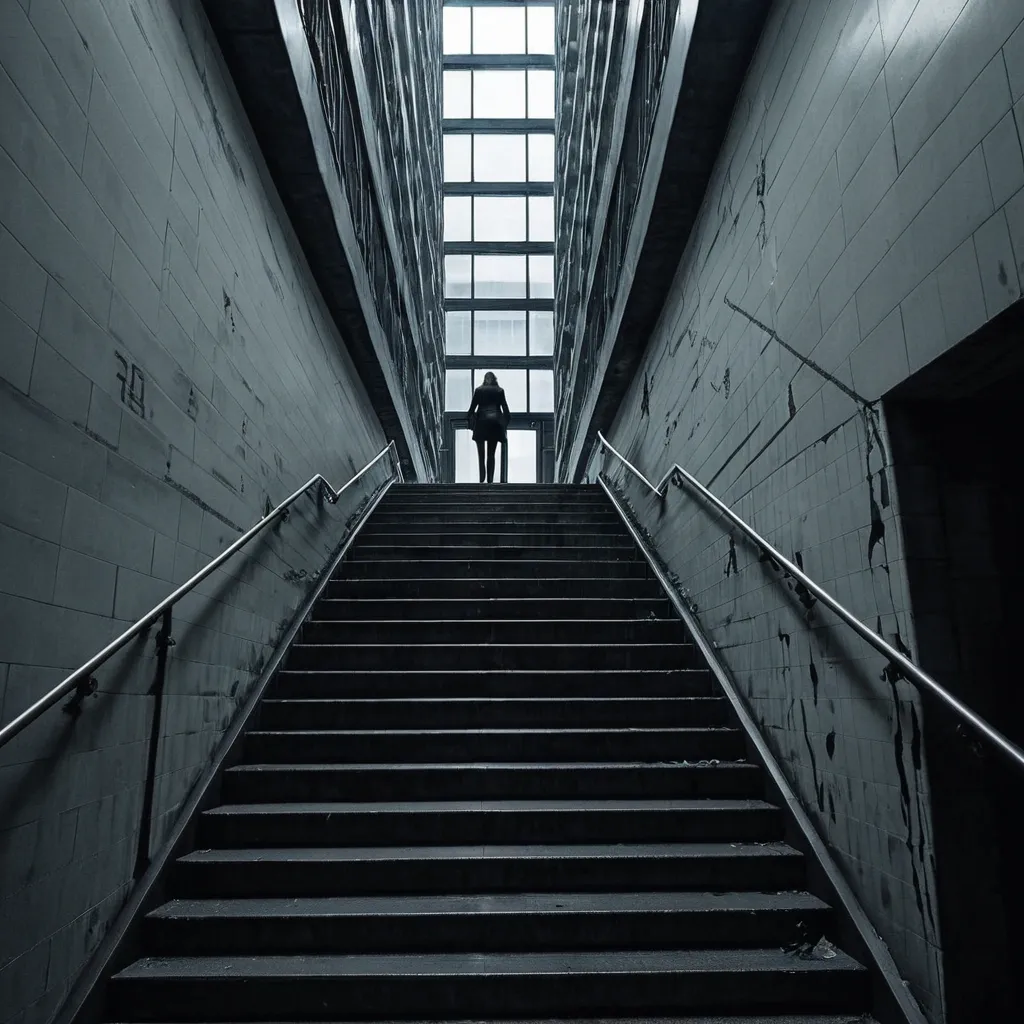

THE STAIRWELL WOMAN Type Urban Psychological Horror / Dimensional Predator Appearance Nobody knows her real appearance. That's because nobody sees all of her at once. People only see parts. A hand gripping a railing below them. A pair of bare feet on the floor above. A motionless face peeking through the gap between flights of stairs. A woman standing six floors down where she should be impossible to see. Security footage never captures her completely. Every camera records a different version. Some recordings show: A nurse. A teacher. An old woman. A teenage girl. One thing remains constant. She is always standing in a stairwell. Watching. Waiting. Personality The Stairwell Woman is patient. She does not hunt immediately. She chooses one person. Then follows them for weeks. Sometimes months. The victim starts noticing impossible things: Someone standing one floor below. Footsteps matching their own. A figure visible between railings. Each encounter becomes slightly closer. The victim eventually realizes: She is climbing. Powers 1. Peripheral Existence The Stairwell Woman cannot be directly perceived for long. The moment someone fully focuses on her: Their eyes slide away. Their attention drifts. Their memory becomes foggy. People know they saw something. But cannot describe it. 2. Floor Distortion She controls vertical spaces. Staircases become impossible. A victim may walk: Up ten flights and arrive in the basement. Down one floor and emerge on the roof. Enter a stairwell and find themselves somewhere else entirely. 3. Mimicked Footsteps Her footsteps perfectly synchronize with her target's. If the victim takes: One step → she takes one step. Runs → she runs. Stops → she stops. Eventually victims hear an extra step. Then another. Then another. Meaning she is getting closer. 4. Building Infection Any structure she inhabits slowly changes. Residents report: New doors appearing. Missing floors. Hallways becoming longer. Blueprints stop matching reality. 5. The Landing Every victim eventually discovers a floor that shouldn't exist. The number varies. Floor 13. Floor 27. Floor 112. Whatever appears impossible. When they reach it... She is waiting. Weaknesses Open Spaces She is strongest in enclosed vertical structures. Large open environments weaken her. Constant Observation Multiple people continuously observing the same staircase slows her manifestations. Demolition Destroying a heavily infected structure can force her to retreat. Though she usually relocates first. Ultimate Finisher Move "THE MISSING FLOOR" The victim enters a stairwell. The exit vanishes. Every door opens into another staircase. Every staircase leads to another floor. Days pass. Weeks pass. Food never runs out. Sleep never comes. The victim endlessly climbs. Eventually they see someone far below. Climbing. It's themselves. The realization breaks their mind. The Stairwell Woman then appears behind them. Neither are seen again. Evolution Trigger Condition She must consume the identities of 777 victims lost within impossible architecture. Evolved Form THE ARCHITECT OF DESCENT Appearance At this stage she is no longer tied to a single building. Entire city skylines become parts of her body. Apartment towers function as ribs. Elevator shafts become veins. Subway tunnels become nerves. Her true form exists beneath the city like a living organism made from architecture. Millions unknowingly live inside her. New Powers Impossible Geometry She can alter physical space itself. A room may become: Infinite. Smaller than its contents. Connected to another country. Population Blindness Entire crowds ignore impossible events occurring directly in front of them. Living Infrastructure Buildings become extensions of her nervous system. She can see through every window. Hear through every wall. Feel every footstep. Vertical Hunger The taller a structure is , the stronger she becomes. Skyscrapers act as giant feeding organs. Evolution Finisher "THE CITY THAT SWALLOWED ITSELF" Every stairwell , elevator , hallway , and tunnel in a city becomes connected. People attempt to leave. They always arrive somewhere else inside the city. Days later: Roads loop. Maps fail. GPS becomes useless. The entire city folds inward like a maze. Millions become trapped in an endless urban nightmare. At the center stands the Architect of Descent. Waiting. Threat Rank ☠️ Urban Catastrophe Entity The most terrifying part of the Stairwell Woman is that victims usually encounter her in ordinary places: Apartment buildings Schools Hospitals Hotels Parking garages And by the time they realize she is real... She is already climbing toward them. ,
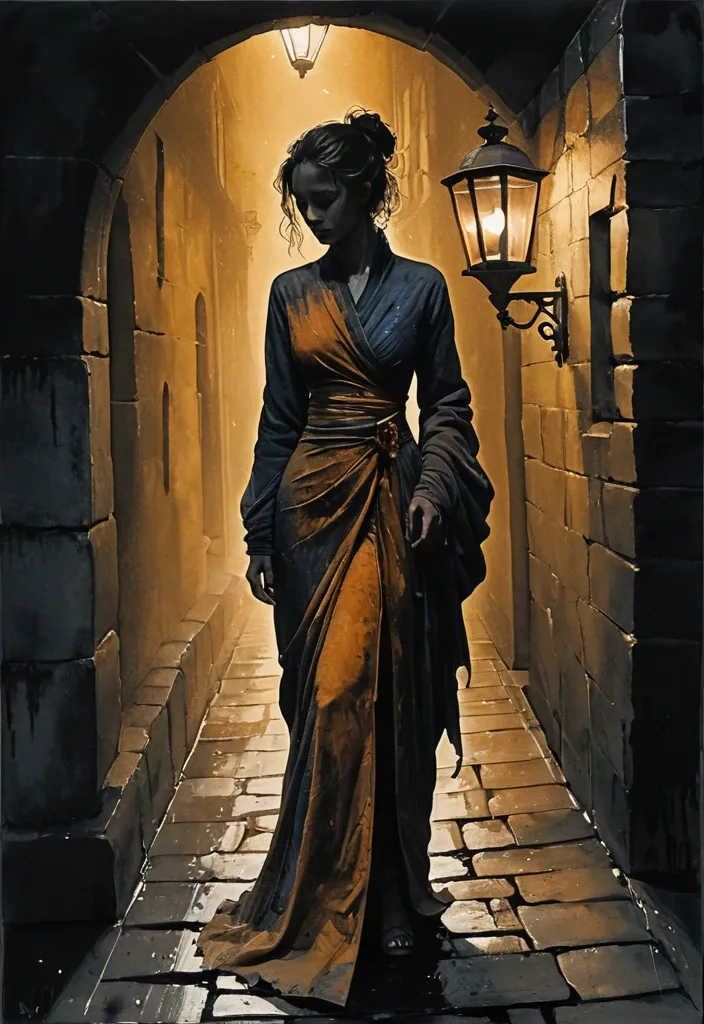
Subject: A wavy hair voluptous hour-glass female figure in shadow standing still , face partially obscured , lantern held at side. she wearing an Imperial-style form-fitting high-slit long dress Setting: Narrow cobblestone colonialism structure alley at night , distant darkened street lamp , wet stones reflecting dim light , red mist at corners Light Source and Color: Handheld lantern only , warm amber gold glow. Color Palette: Deep indigo , charcoal , weathered stone grey-brown Art Style: Moody atmospheric watercolor with deep tonal contrast and limited palette. Deep shadow-toned ground throughout; highlights carved sparingly from darkness through reserved pigment. Wet-on-wet unified washes bleed shapes together into large connected forms. Loose calligraphic brushwork with staccato marks; hard and soft edges in deliberate opposition. Focal point emerges from darkness through sharp value contrast. Shadows and mid-tones dominate; highlights are sparse and deliberate. All detail achieved through layered wash variation , granulated pigment , and wet bloom — fur , feathers , and fabric rendered as suggested form rather than individual marks. Texture emerges from paint behavior , not linework. Painterly and expressive with abstracted forms; shapes defined by value and wash , not line. Peripheral elements dissolve into deep atmospheric wash. ,
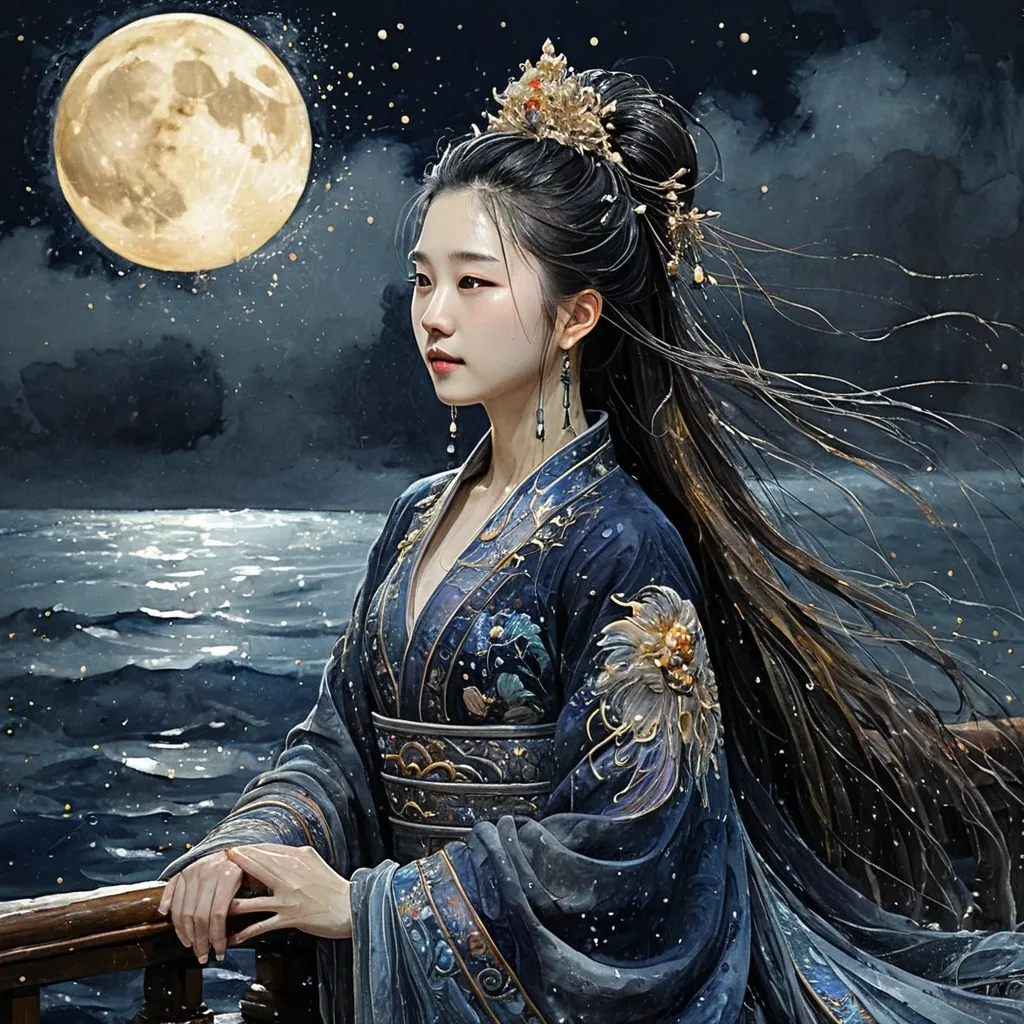
Subject: A vibrant , colourful impasto , sfumato acrylic portrait of Liu Yi Fei as Chinese Ming princess in richly embroidered clothes and an abundance of exquisite jewellery. Composition: head and shoulder view. Setting: She is on the deck of a magnificent ancient ship sailing under the deep starry sky illuminated by the bright glowing moon. Sparkling moonlight is falling in the form of glittering golden rain. Stormy wind blowing over the sea waving the princess's long shiny beautiful hair. Light Source and Color: illuminated by the bright glowing moon. Sparkling moonlight is falling in the form of glittering golden rain. Color Palette: Deep indigo , charcoal , weathered stone grey-brown Art Style: Moody atmospheric watercolor with deep tonal contrast and limited palette. Deep shadow-toned ground throughout; highlights carved sparingly from darkness through reserved pigment. Wet-on-wet unified washes bleed shapes together into large connected forms. Loose calligraphic brushwork with staccato marks; hard and soft edges in deliberate opposition. Focal point emerges from darkness through sharp value contrast. Shadows and mid-tones dominate; highlights are sparse and deliberate. All detail achieved through layered wash variation , granulated pigment , and wet bloom — fur , feathers , and fabric rendered as suggested form rather than individual marks. Texture emerges from paint behavior , not linework. Painterly and expressive with abstracted forms; shapes defined by value and wash , not line. Peripheral elements dissolve into deep atmospheric wash. ,
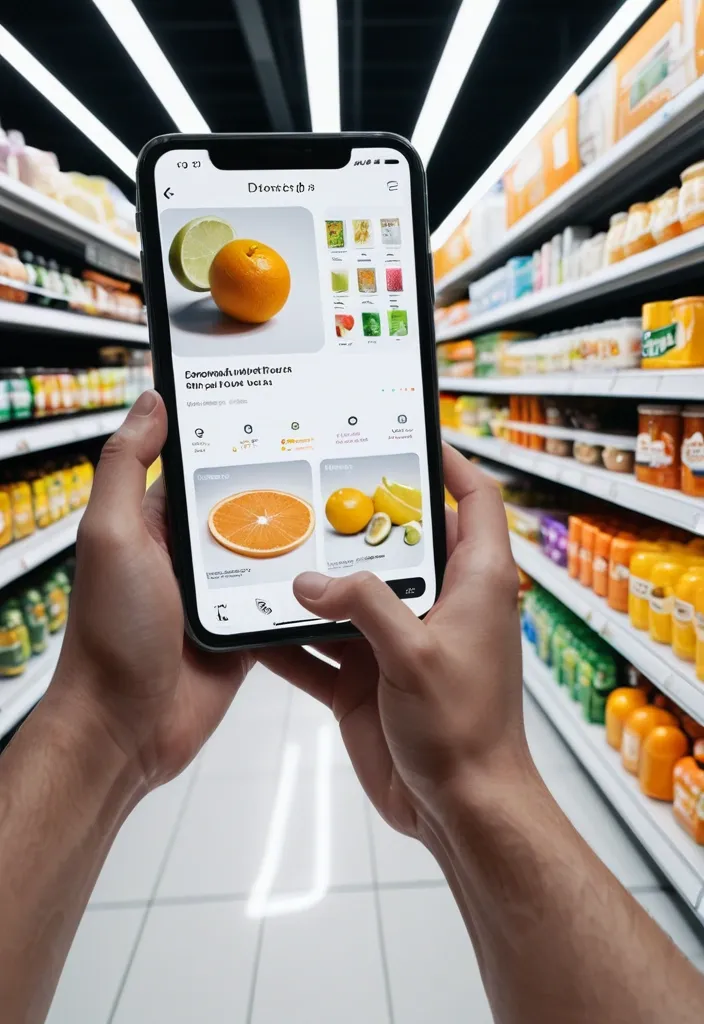
First-person perspective inside a brightly lit supermarket aisle or section. Realistic human hands are holding Limonia close to the camera. The product’s [key visual traits: color , texture , packaging , freshness details] are clearly visible under natural store lighting. The Limonia is surrounded by a multi-layered holographic augmented reality interface displaying relevant product information , including [nutritional or product data such as calories , protein/sugar/caffeine , vitamins , freshness indicator , origin , expiration date , usage or recipe suggestions]. The AR UI elements smoothly shift and reorganize based on the viewer’s gaze direction , as if dynamically responding to user focus. In the left peripheral vision , a vertical semi-transparent shopping list is visible with checked-off items , where Limonia is highlighted as the currently active selection. Hyper-realistic mixed reality , clean futuristic AR design , glass-like UI panels , soft ambient glow , realistic lighting and shadows , natural depth of field , immersive first-person interface , showcasing next-generation retail technology. ,
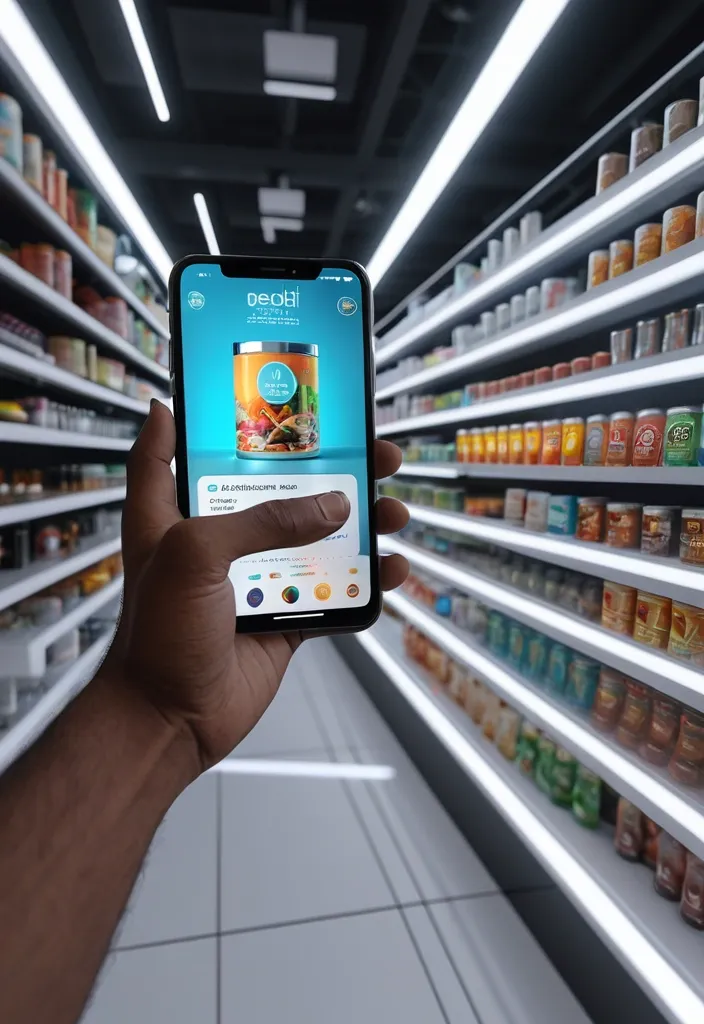
First-person perspective at a brightly lit beach aisle. Realistic human hands are holding a Desi Bidi of Indian smoking product to the camera. The vivid smoking product in its iconic branded Bidi is surrounded by a multi-layered holographic augmented reality interface displaying nutritional data , including calorie count , Tobeco content , caffeine level , freshness indicator , expiration date , and recommended refreshing ingredients and cocktails based on DESI. The UI elements smoothly shift and reorganize based on the viewer’s gaze direction , as if dynamically responding to user focus. In the left peripheral vision , a vertical semi-transparent shopping list is visible with checked-off items , where Desi is highlighted as the currently active selection. Hyper-realistic mixed reality , clean futuristic AR design , glass-like UI panels , soft ambient glow , realistic lighting and shadows , natural depth of field , immersive first-person interface , showcasing next-generation retail technology. ,
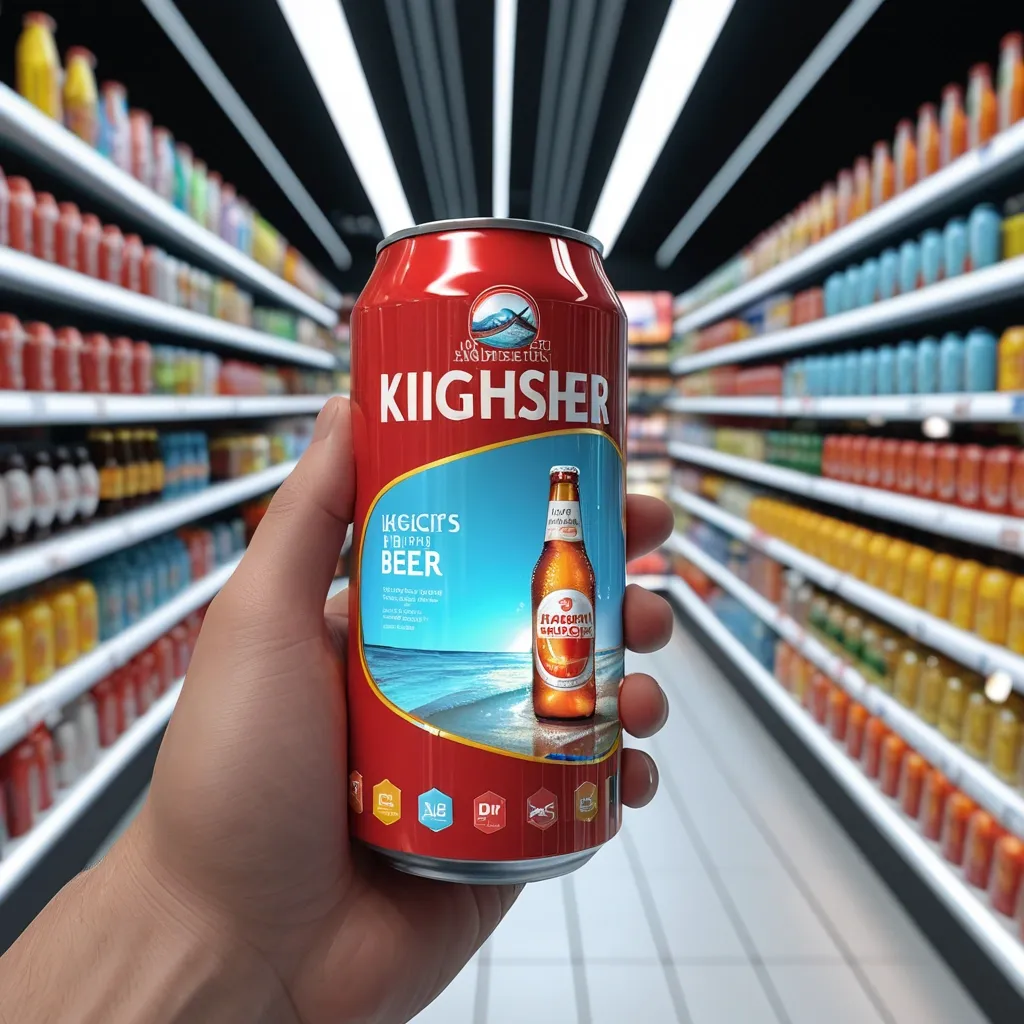
First-person perspective at a brightly lit beach aisle. Realistic human hands are holding a tin of kingfisher beer close to the camera. The vivid beer drink in its iconic branded red tin is surrounded by a multi-layered holographic augmented reality interface displaying nutritional data , including calorie count , alcohol content , caffeine level , freshness indicator , expiration date , and recommended refreshing recipes and cocktails based on Kingfisher. The UI elements smoothly shift and reorganize based on the viewer’s gaze direction , as if dynamically responding to user focus. In the left peripheral vision , a vertical semi-transparent shopping list is visible with checked-off items , where Kingfisher is highlighted as the currently active selection. Hyper-realistic mixed reality , clean futuristic AR design , glass-like UI panels , soft ambient glow , realistic lighting and shadows , natural depth of field , immersive first-person interface , showcasing next-generation retail technology. ,
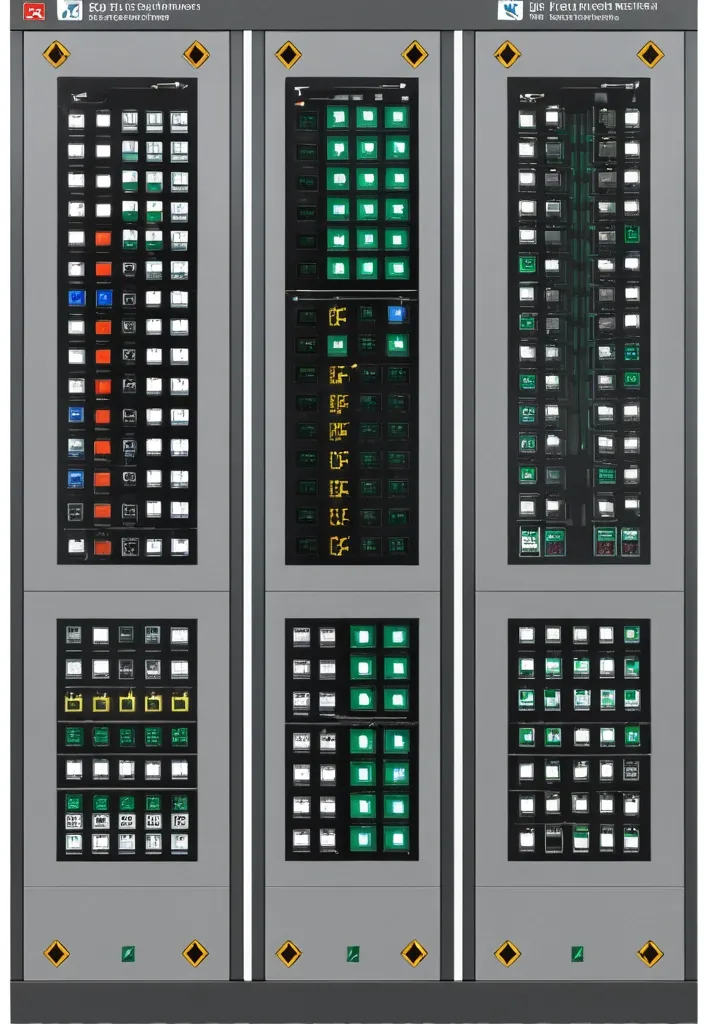
Description of the visualization and control system of the automation complex The purpose of the system is to provide the operator with a single , intuitive interface for monitoring and managing all subsystems of the complex in real time. Architecture of the main window (Generalized Status Panel): The main screen is designed according to the principle of "from general to private". The center contains critical information about the power supply system , on which all other systems depend. The remaining subsystems are grouped logically around the center. 1. Central unit: Power supply system It is visualized as a circle divided into three sectors. Large left sector (≈45%): Transformer substations (TP) 5 blocks are displayed , one for each TP. Each block contains: TP number/name (for example , TP-1 , TP-2). The indicator of the active power line: The "Network" icon with backlight (green - main , yellow - backup). Transformer status: "Main" / "Standby" (or icons). Key parameters from accounting nodes: Current (I) , Voltage (U) , Power (P). The values are output for the active line. General TP status: Color indication (Green - Normal , Yellow - Warning , Red - Emergency). Large right sector (≈45%): Main switchboards 5 blocks are displayed , one for each storage unit. Each block contains: The number/name of the GRSH (for example , GRSH-1). Active power line indicator: Similar to TP. Key parameters from accounting nodes: I , U , P. The general status of the GRS: Color indication. Lower small sector (≈10%): Uninterruptible power supply (UPS) Large text or pictogram status indicator: "Mains operation" (Green) "Battery operation" (Yellow/Orange) Battery level indicator: Percentage scale (from 0% to 100%). The color varies depending on the level (green >50% , yellow 20-50% , red <20%). 2. Peripheral blocks around the center They are arranged around a central circle , forming a "rim". Upper and lower parts of the rim: Ventilation of the web blowing Upper part: 9 installations on top. The lower part: 9 installations from the bottom. There are 18 icons/blocks in total. Each icon represents one installation and has a color indication of the status.: Green: Enabled Gray: Turned off Red: An accident (for example , the differential pressure sensor on the filter went off , an error in the drive) Black/Blue: No power supply When hovering over the cursor , a tooltip appears with details (the condition of the fan , valve , filter blockage). Left and right sides of the rim: Indoor ventilation The left and right sides are divided equally to display the 12 settings on each side. There are 24 icons/blocks in total. The same color status indication for each installation. 3. Corner blocks: Other subsystems They are located in the four corners of the screen for easy and fast perception. Upper left corner: Roller shutters (48 pcs.) Summary information is displayed as an information block.: "Closed: XX / Open: XX" (numeric values). A graphical indicator (for example , a stripe divided into green and blue parts , proportional to the number). General status: Green icon "OK" or Red icon "Emergency" (if at least one roller shutter has an emergency status). Upper right corner: Elevators (2 pcs.) Two vertical blocks , one for each elevator. Each block contains: Elevator number (Elevator 1 , Elevator 2). Floor indicator: A large number (for example , 3). Motion indicator: Up/down arrow or Stop icon. General status: The background color of the block (Green - normal , Gray - power off , Red - emergency , Blue - no connection). Lower left corner: EVIL Lights (Roof lamps) A large indicator in the form of a stylized lamp or icon. Color status indication: Bright Yellow/White: Included Gray: Off Red: Crash Black/Blue: No power supply Lower right corner: Heated storm drains Similar in style to the "Fires of EVIL" block. Color status indication: Orange/Red: Enabled Gray: Off Red (flashing): Crash Black/Blue: No power supply Navigation and management: Main Screen: It is an overview map. All the elements on it are clickable. Details: Clicking on any sector (TP , GRS , ventilation group , roller shutter unit) opens a new window with detailed information: TP/GRS: Single-line network diagram , status of all feeders and sectional switches , detailed power parameters. Ventilation: Detailed status of each piece of equipment in the selected group (fan , valve , filter condition) , possibility of manual control. Roller shutters: A table or plan of the building with the condition of each of the 48 roller shutters , group and individual control buttons. Control: The control buttons (Start , Stop , Open , Close) are located on the detailed screens. On the main screen , quick action buttons ("Emergency activation") can be displayed for critical systems (for example , EVIL lights). Visual style: Color scheme: An intuitive color palette is used (Green is the norm , Yellow/Orange is a warning , Red is an accident , Gray/Blue - disabled/no data). Fonts: Clear , easy-to-read fonts. Critical information is displayed larger. Animation: Minimal and informative (for example , smooth change of values , flashing for emergency states). ,
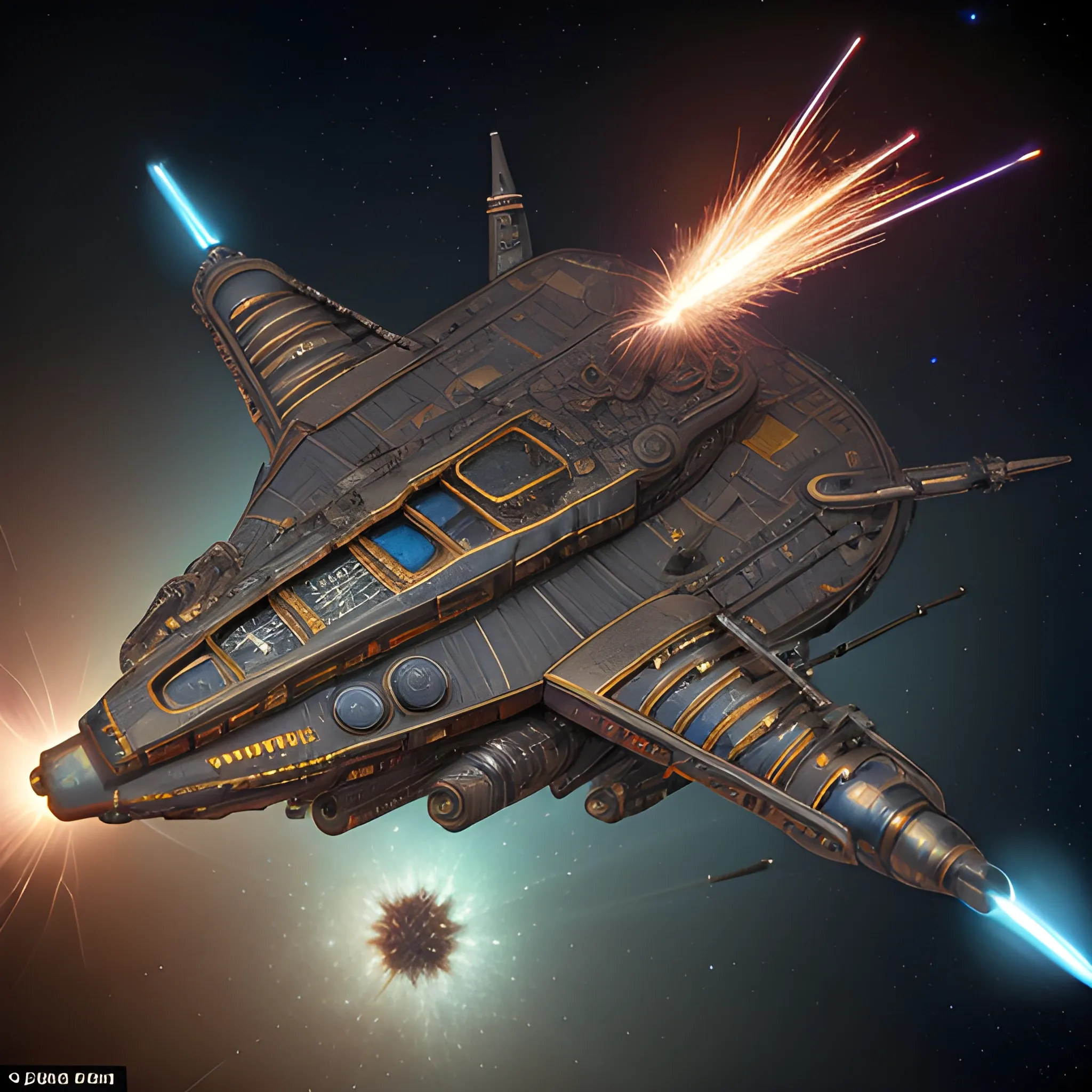
<lora:Galactic:1.0> <lora:DeeSciFi:1.0> Steampunk Star Batship , Tim Burton's vision , traveling by Saturn , cool 750k UHD unveiling every minute feature , from the motherboard , intricately woven into the car's backbone to a bat's head at the tip of the very front of the ship & riveting artillery , sparks crackling in our peripheral vision , blue crystal diamond nacelles , in the rear. , 3D ,
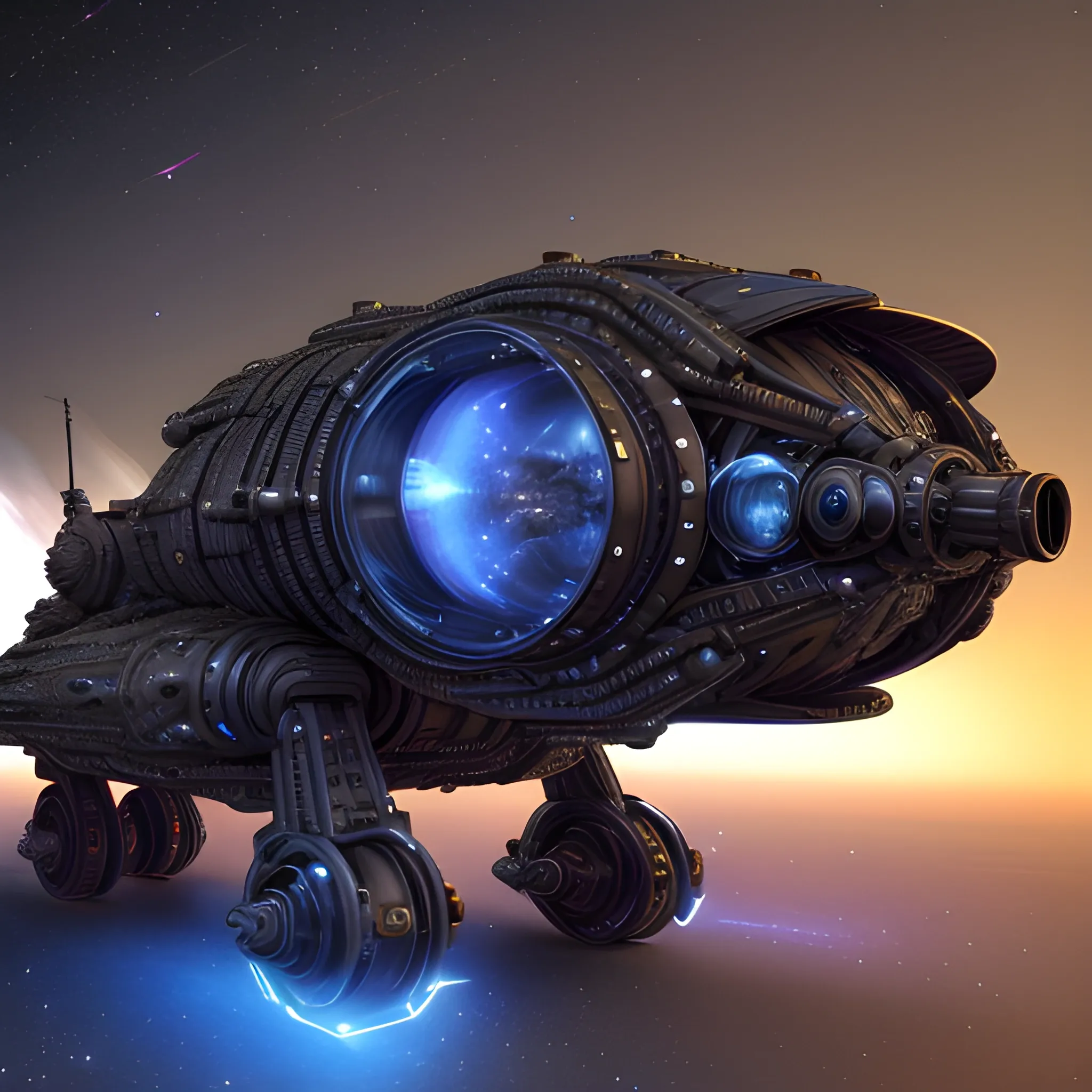
<lora:Galactic:1.0> <lora:DeeSciFi:1.0> Steampunk Star Batship , Tim Burton's vision , traveling by Saturn , cool 750k UHD unveiling every minute feature , from the motherboard , intricately woven into the car's backbone to a bat's head at the tip of the very front of the ship & riveting artillery , sparks crackling in our peripheral vision , blue crystal diamond nacelles , in the rear. , 3D , 3D , Trippy ,
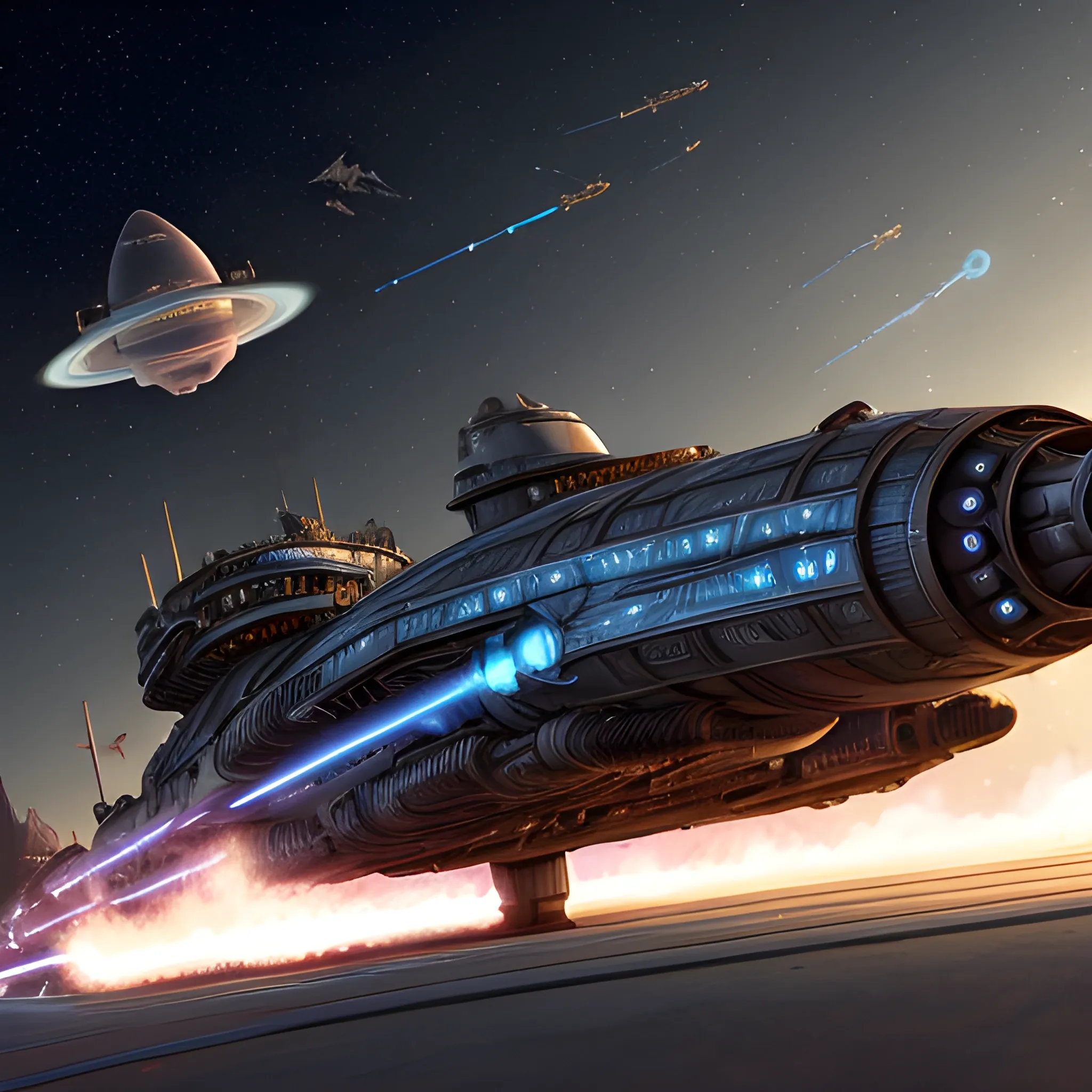
<lora:Galactic:1.0> <lora:DeeSciFi:1.0> Steampunk Star Batship , Tim Burton's vision , traveling by Saturn , cool 750k UHD unveiling every minute feature , from the motherboard , intricately woven into the car's backbone to a bat's head at the tip of the very front of the ship & riveting artillery , sparks crackling in our peripheral vision , blue crystal diamond nacelles , in the rear. ,
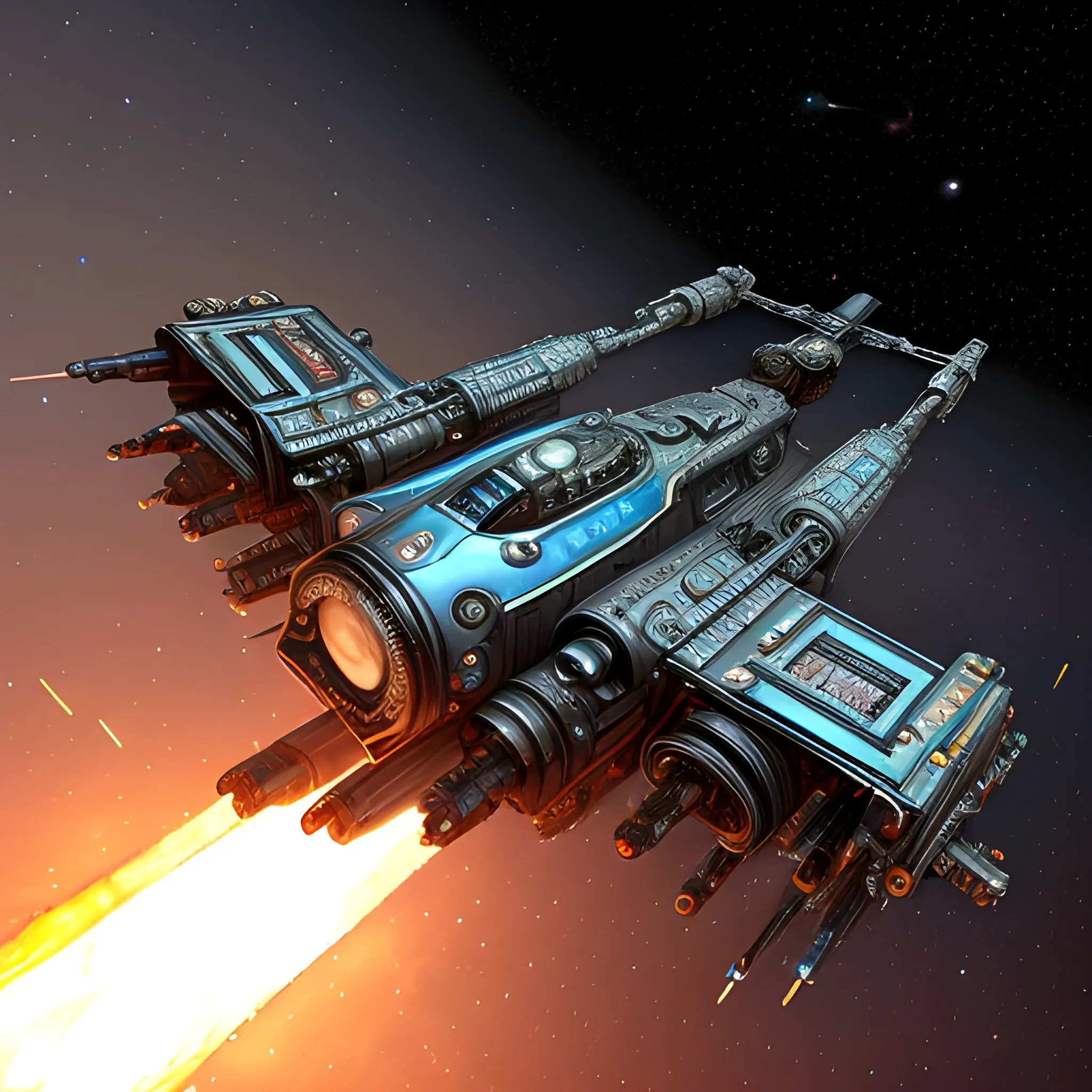
<lora:Galactic:1.0> <lora:DeeSciFi:1.0> Steampunk Star Batship , Tim Burton's vision , traveling by Saturn , cool 750k UHD unveiling every minute feature , from the motherboard , intricately woven into the car's backbone to a bat's head at the tip of the very front of the ship & riveting artillery , sparks crackling in our peripheral vision , blue crystal diamond nacelles , in the rear.Trippy ,
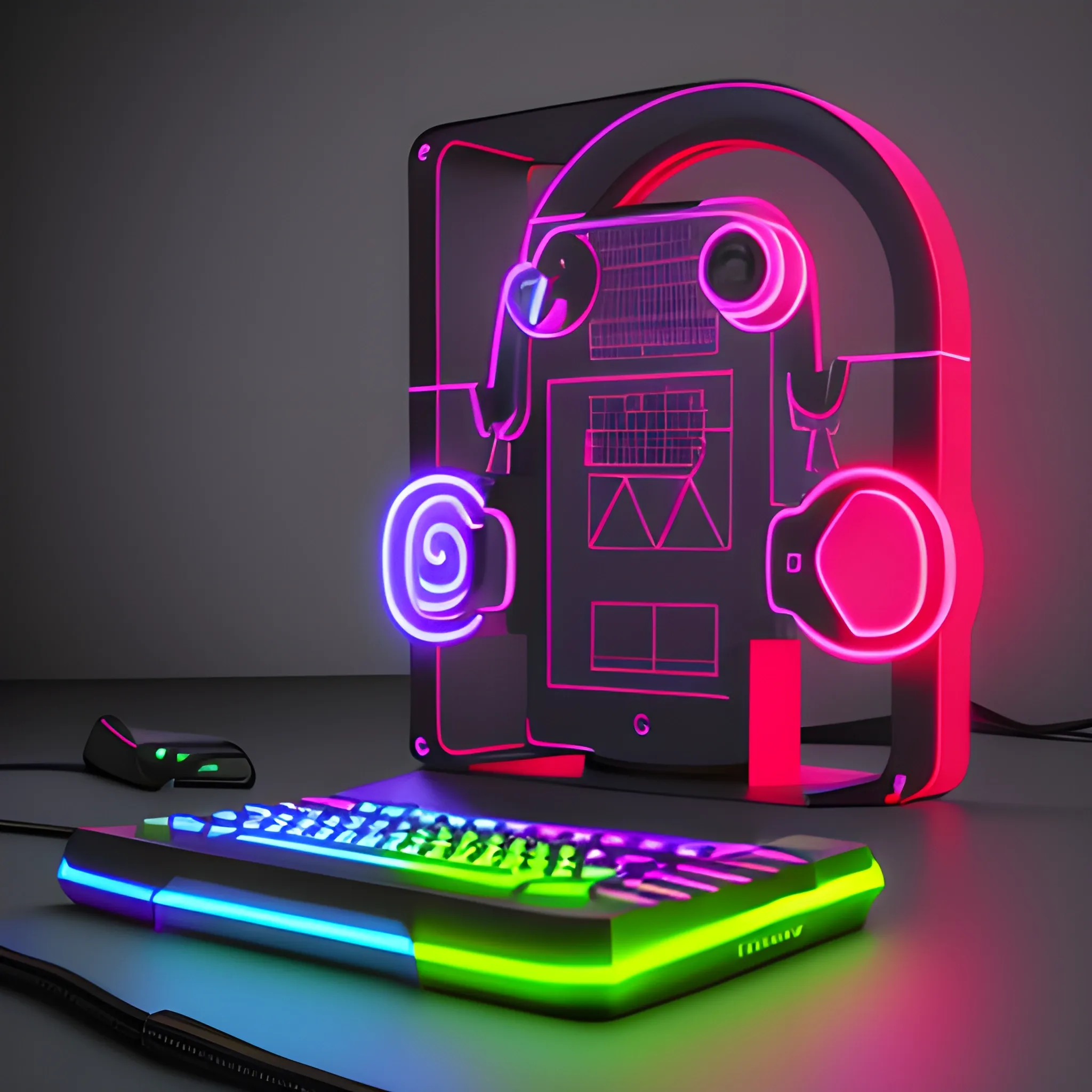
pc , computer , screen , monitor , advertising , desktop , desk , work , flat , design , office , apple , edp , hardware , keys , computer hardware , modding , it , electronics , black , web design , vector , figurative , peripheral , vector , illustration , colorful ,

pc , computer , screen , monitor , advertising , desktop , desk , work , flat , design , office , apple , edp , hardware , keys , computer hardware , modding , it , electronics , black , web design , vector , figurative , peripheral , vector , illustration ,