Search Results for system
Explore AI generated designs, images, art and prompts by top community artists and designers.
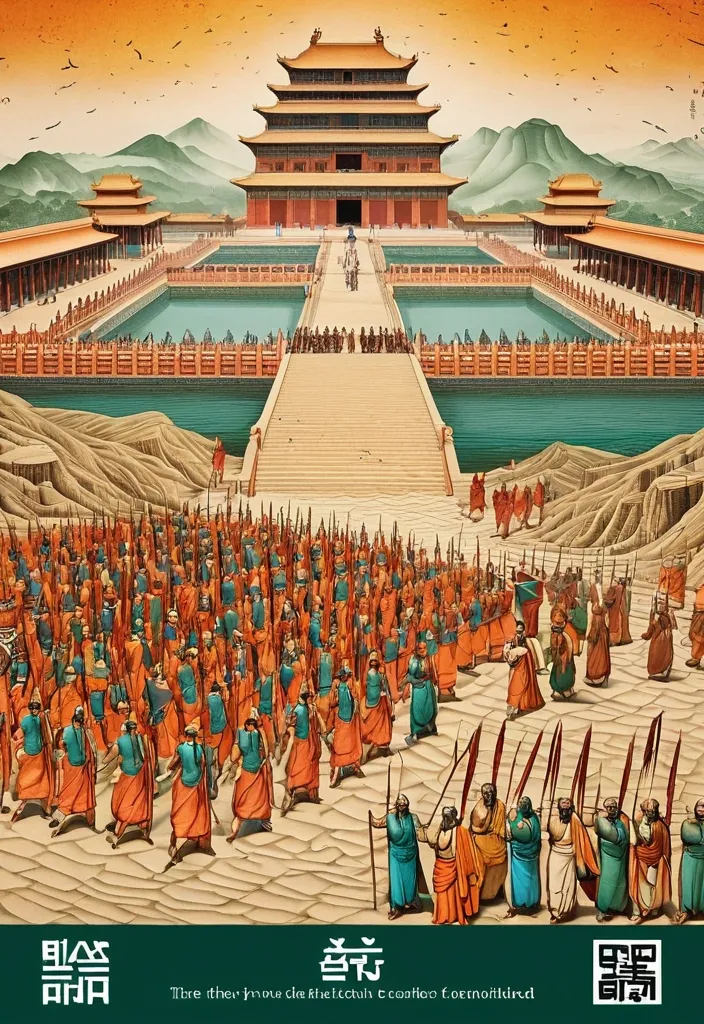

Theme: Ancient Water Conservancy Main palette: Sand path , sand , orange Structural method: another paper construction Micro scene: a tiny Walking march , performance Event details: 02 October , 05:30 am , Start Aspect ratio: 16:9 Design a historical and cultural poster with a modern Eastern editorial aesthetic , using "paper fibers + large color fields + micro-scenes" as the core visual language. Do not interpret traditional culture as stacking ancient architecture , calligraphy , auspicious clouds , or artifacts. Instead , first distill the Cultural Logic , then let large areas of handmade paper color fields directly carry structures , spaces , time , flow , order , or process relationships , so that viewers first see a strong and clear large form from afar , and only gradually discover the cultural narrative hidden within upon closer inspection. Use the dark green , sand style to establish 2–5 main paper color blocks of distinctly different sizes , maintaining low saturation but complete color intensity. All color blocks should have the authentic , rich texture of handmade paper , pulp , watercolor , or mineral pigments , with visible natural long and short fibers , pigment deposition , subtle impressions , large-scale natural color variations , and irregular torn paper edges. The overall effect should be matte , clean , and intact—avoid dirtiness , yellow spots , random speckles , cheap retro effects , or digital gradients. Based on the theme , let the color fields express the logic of system operations through folding , branching , interweaving , interlocking , offsetting , supporting , segmenting , enclosing , or negative space relationships , rather than simply serving as decorative backgrounds. Embed the Dadi march within the large color field structure , keeping figures and props at a very small scale , totaling about 3%–6% of the image area. Each scene must depict a clear action , with causal or temporal relationships between them , such as "entering → executing → recording → completing , " allowing the miniature figures to truly drive the narrative rather than just standing in poses. Figures' clothing in indian Freedom fighter style and artifacts should align with the theme's era and identity but remain restrained—avoid cinematic historical drama excess; scenes should only retain key props that illustrate systemic relationships , without cluttering with decorations or irrelevant cultural symbols. Typography should employ the editorial language of modern Eastern cultural institutions , museums , or archival exhibitions. The main title Dandi March should use refined Song typeface , publication-inspired Gujarati fonts , at a medium-small size that does not overpower the large color fields; supporting English text , dates , locations , and explanatory information should use even smaller sizes to create clear hierarchies. Subtle cinnabar seals , paper tags , archival labels , or node text may be added , but they must genuinely relate to the thematic logic—do not add them randomly just for a "Indian Freedom fighter style" feel. The overall reading order should be: large color field structures and color relationships → systemic or spatial logic → miniature figures' continuous narrative → main title and exhibition information. The final image should achieve a strong large form and visual impact from afar , revealing paper fibers , figure actions , and historical details up close , balancing design sensibility , narrative depth , and cultural completeness. Avoid book cover vibes , traditional Chinese illustration styles , screens full of ancient architecture , oversized titles , PPT-style rigid layouts , modern infographic arrows , meaningless English placeholders , element piling , commercial ad vibes , 3D CGI , glass textures , neon colors , logos , watermarks , numbering , and starburst decorations. ,
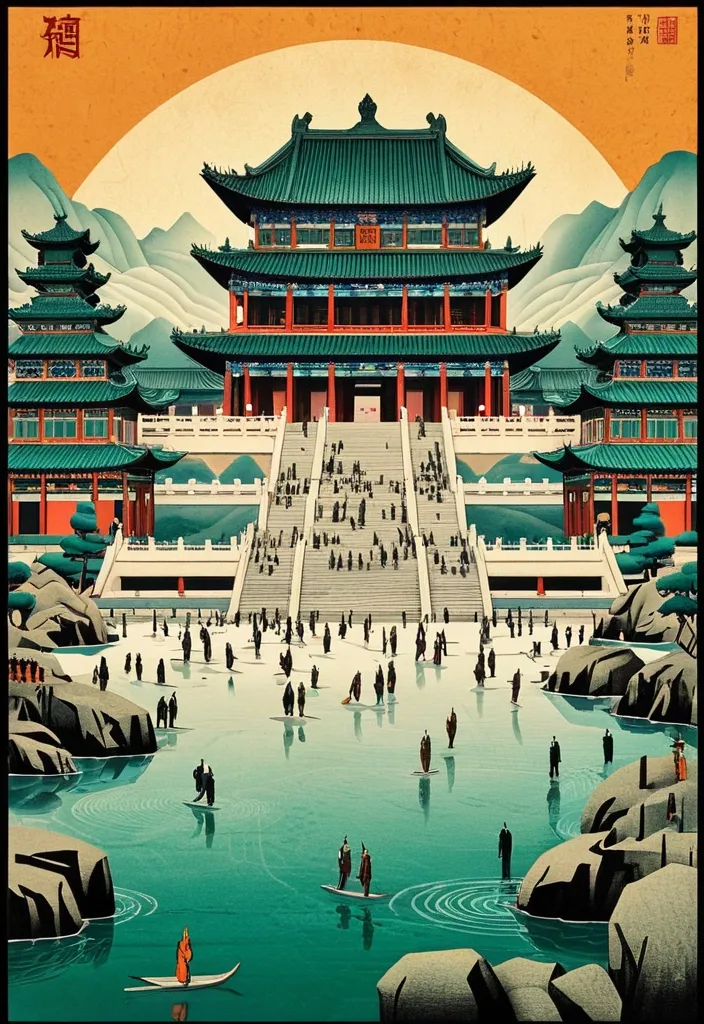
Theme: Ancient Water Conservancy Main palette: blue , dark green , orange Structural method: another paper construction Micro scene: a tiny Walking march , performance Event details: 02 October , venue , Start Aspect ratio: 9:16 Design a historical and cultural poster with a modern Eastern editorial aesthetic , using "paper fibers + large color fields + micro-scenes" as the core visual language. Do not interpret traditional culture as stacking ancient architecture , calligraphy , auspicious clouds , or artifacts. Instead , first distill the Cultural Logic , then let large areas of handmade paper color fields directly carry structures , spaces , time , flow , order , or process relationships , so that viewers first see a strong and clear large form from afar , and only gradually discover the cultural narrative hidden within upon closer inspection. Use the dark green , sand style to establish 2–5 main paper color blocks of distinctly different sizes , maintaining low saturation but complete color intensity. All color blocks should have the authentic , rich texture of handmade paper , pulp , watercolor , or mineral pigments , with visible natural long and short fibers , pigment deposition , subtle impressions , large-scale natural color variations , and irregular torn paper edges. The overall effect should be matte , clean , and intact—avoid dirtiness , yellow spots , random speckles , cheap retro effects , or digital gradients. Based on the theme , let the color fields express the logic of system operations through folding , branching , interweaving , interlocking , offsetting , supporting , segmenting , enclosing , or negative space relationships , rather than simply serving as decorative backgrounds. Embed the Dadi march within the large color field structure , keeping figures and props at a very small scale , totaling about 3%–6% of the image area. Each scene must depict a clear action , with causal or temporal relationships between them , such as "entering → executing → recording → completing , " allowing the miniature figures to truly drive the narrative rather than just standing in poses. Figures' clothing and artifacts should align with the theme's era and identity but remain restrained—avoid cinematic historical drama excess; scenes should only retain key props that illustrate systemic relationships , without cluttering with decorations or irrelevant cultural symbols. Typography should employ the editorial language of modern Eastern cultural institutions , museums , or archival exhibitions. The main title [Main Title] should use refined Song typeface , Ming-style , or publication-inspired Chinese fonts , at a medium-small size that does not overpower the large color fields; supporting English text , dates , locations , and explanatory information should use even smaller sizes to create clear hierarchies. Subtle cinnabar seals , paper tags , archival labels , or node text may be added , but they must genuinely relate to the thematic logic—do not add them randomly just for a "Chinese style" feel. The overall reading order should be: large color field structures and color relationships → systemic or spatial logic → miniature figures' continuous narrative → main title and exhibition information. The final image should achieve a strong large form and visual impact from afar , revealing paper fibers , figure actions , and historical details up close , balancing design sensibility , narrative depth , and cultural completeness. Avoid book cover vibes , traditional Chinese illustration styles , screens full of ancient architecture , oversized titles , PPT-style rigid layouts , modern infographic arrows , meaningless English placeholders , element piling , commercial ad vibes , 3D CGI , glass textures , neon colors , logos , watermarks , numbering , and starburst decorations. ,
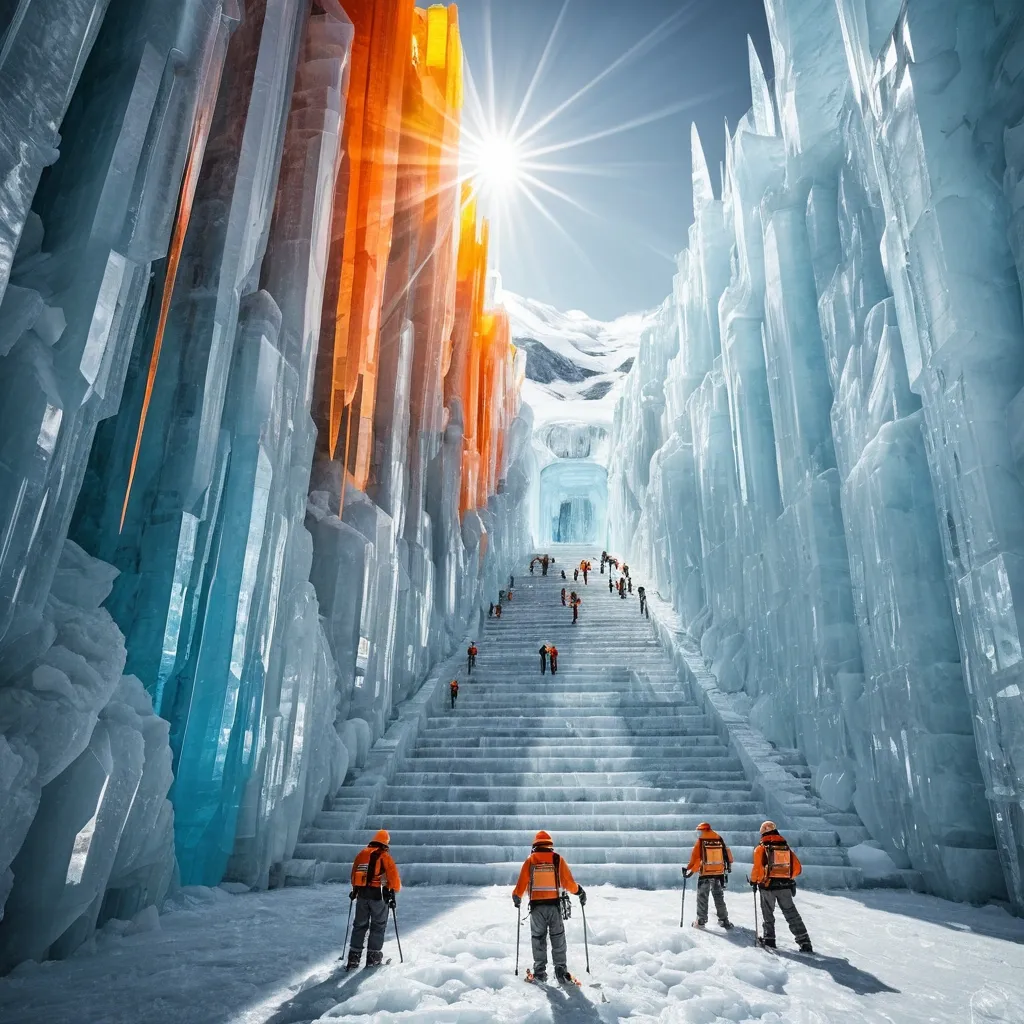
THEME: Glacier city SERIES: Max0.5 DEPTH SYSTEM: nested frames PRIMARY COLOR: Orange ACCENT COLOR: gray A city of clear crystal built on a steep glacier face streets and towers locked in ice that is slowly moving downhill midday light hitting the glacier so every wall becomes a prism figures standing still inside colored beams residents with ice-hooks a surveyor marking the day’s shift children on the long stairs prism-ice noon sun-through realistic crystal ice glacier and figure texture cinematic lighting strong prism-beam versus white-ice contrast highly detailed striking composition coherent fantasy atmosphere. Place multiple human figures at different distances and heights within the same coherent perspective field. Their scale must change naturally with depth. Use one or two strong foreground figures , several smaller midground figures , and a few distant figures. Avoid evenly spaced people , grids , lineups , or team-photo compositions. ,
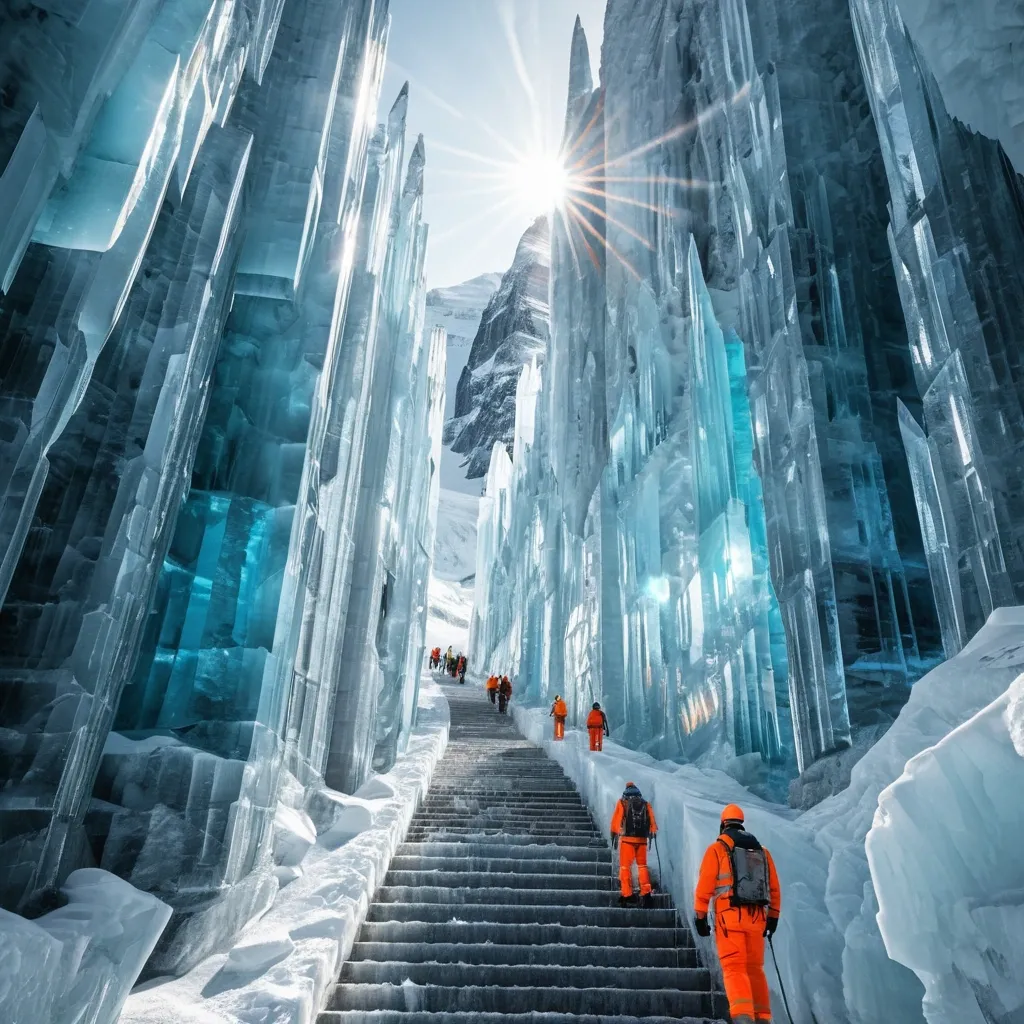
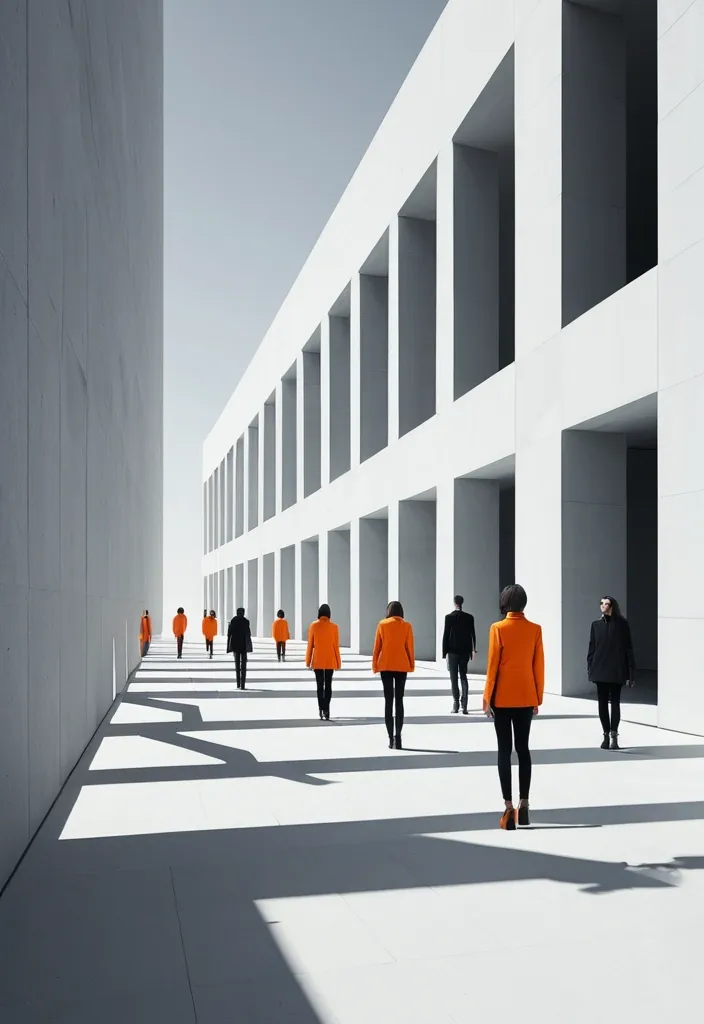
BRAND NAME: AKOTA SERIES: Max0.5 MAIN TITLE: Mastram DEPTH SYSTEM: layered slabs PRIMARY COLOR: Orange ACCENT COLOR: Gray ASPECT RATIO: 9:16 Create a high-end multi-person editorial campaign poster where depth and perspective become the main design system. Build the scene around one strong spatial structure , such as nested architectural frames , lines converging toward a vanishing point , irregular stacked platforms , or large horizontal layers. The architecture should immediately create a clear foreground , middle ground , and background. Place multiple adult figures at different distances and heights within the same coherent perspective field. Their scale must change naturally with depth. Use one or two strong foreground figures , several smaller midground figures , and a few distant figures. Avoid evenly spaced people , grids , lineups , or team-photo compositions. Make people and architecture physically overlap. Some figures should pass through frames , disappear behind walls , be partially hidden by platforms , appear between layers , or emerge from deeper spaces. The result should feel like one real photographed environment , not separate people pasted onto a layout. Integrate the main title into the architecture whenever possible. Let typography follow the perspective of a frame , wall , platform , or structural edge. It may change scale , become partially occluded , or stretch across several depth planes , but it should remain readable. Keep the environment minimal and sculptural. Use large geometric forms , controlled negative space , one dominant color system , realistic directional daylight , and consistent architectural shadows. The spatial idea should still read clearly at thumbnail size. Use realistic fashion photography for the cast: natural skin texture , believable anatomy , real hair , accurate hands and feet , natural fabric folds , varied poses , and subtle movement. Avoid duplicated figures , plastic skin , floating bodies , or overly staged model poses. Supporting typography should stay minimal and secondary. The final image should feel like a real contemporary fashion , cultural , or brand campaign where people , architecture , type , and perspective are all part of the same composition. ,
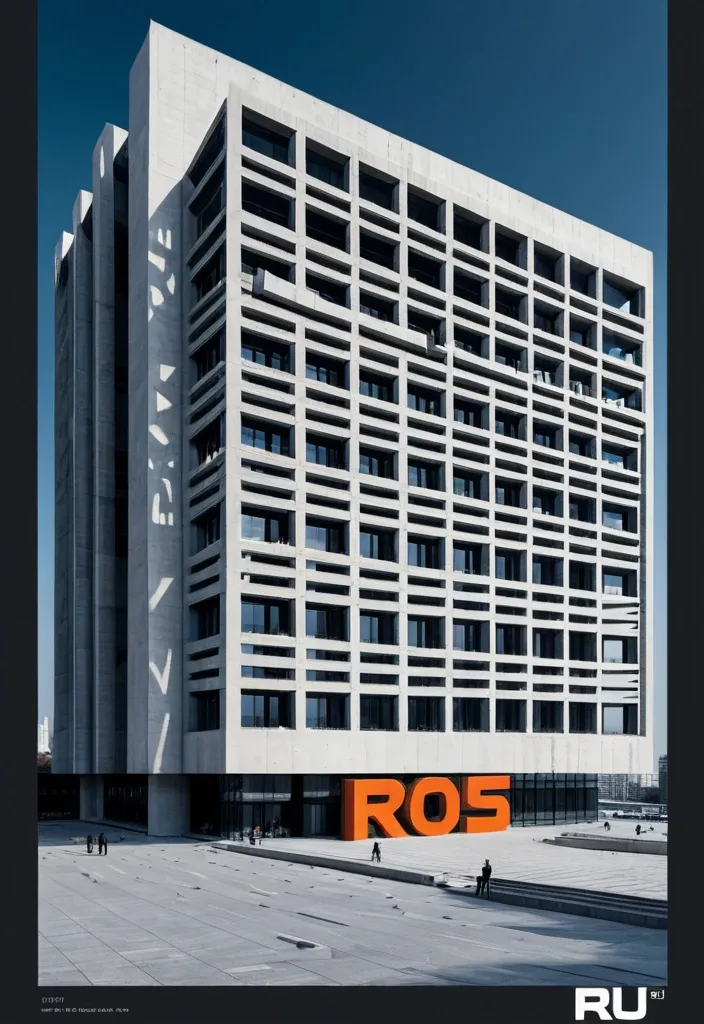
Create a vertical 9:16 poster series in English with a high-end editorial visual style , combining brutalist architecture , monumental perspective typography , realistic mature adult figures , and strong three-dimensional spatial design. The series should feel bold , clean , architectural , and visually sophisticated , with a deep cobalt-blue sky , warm raw-concrete gray , warm ivory typography , charcoal styling for the人物 , and safety orange as the only strong accent color. Use dramatic top-angle perspectives so the architecture , typography , human figure , and spatial structures all belong to the same perspective system. Keep the buildings monumental , simple , and geometric. Typography should be oversized , tall , condensed , and integrated into the composition rather than floating as flat overlay text. Human figures should look realistic , naturally posed , and scaled against the architecture. Add clean editorial microcopy , secondary headlines , and small annotations with strong hierarchy and controlled information density. Create a monumental glass wall with the word “RAJU” carved completely through the structure as real architectural openings. The inner surfaces of the carved letters should be safety orange , revealing strong physical depth. A realistic young man stands or steps naturally within the R-shaped opening. The image should feel architectural , clear , and conceptually striking. ,

TITLE: SPLASH MEDIUM: water drops SPATIAL MECHANISM: interference SUBJECT: small mature man MAIN COLOR: water splash FORMAT: 5:4 vertical poster The camera begins low near the surging ocean waves , close to the surface as water crashes violently against the jagged rocks. It then rises upward in a smooth cinematic motion along the rugged cliffside , revealing the dramatic height of the sunlit cliffs before tilting to frame Create a contemporary volumetric perspective typography poster where the main word exists through elements distributed across real three-dimensional space rather than on a defiantly at the edge , looking down at the roaring sea below. Build the word from the chosen medium: physical water drops , beams of light , another spatial system. Individual elements should appear fragmented or abstract from other viewpoints , but align into one bold , readable word from the intended camera position. Bright sunlight illuminates the scene with crisp , clear visibility , vivid natural colors , sparkling water , and sharply defined rock textures under a clear blue sky. The overall visual feels cinematic , expansive , and powerful , with dynamic movement and a dramatic sense of scale. A comet of living soil and roots tearing a green fire trail across a black sky cities of tiny lights already growing in its wake seed comet ember-garden fresco passage realistic soil root fire and night texture cinematic lighting strong central comet highly detailed striking composition ,

OBJECT SHAPE: flying Eagle MEDIUM: points SPATIAL MECHANISM: depth SUBJECT: small human figure MAIN COLOR: blue FORMAT: 9:16 vertical poster Create a contemporary volumetric perspective shape poster where the main object exists through elements distributed across real three-dimensional space rather than on a flat surface. Build the shape from the chosen medium: suspended threads , physical points , beams of light , layered line grids , or another spatial system. Individual elements should appear fragmented or abstract from other viewpoints , but align into one bold , visual shape from the intended camera position. Keep clear foreground , midground and background depth. The shape structure should dominate roughly 35–55% of the composition while still revealing how the spatial structure creates it. For points , use suspended objects to form volumetric dots shapes. If a person is included , keep them small and use them mainly as a scale reference , with realistic occlusion between the subject and the spatial elements. Use one strong accent color with a restrained architectural palette. Add only minimal editorial information such as project name , location , date and one short thematic line. Overall style: perspective shape structure , volumetric installation , spatial graphic design , contemporary exhibition art , clean hierarchy and strong visual impact. Avoid flat printed text , ordinary 3D shapes , weak depth , random distortion , neon sci-fi styling , excessive filler copy , cluttered backgrounds , watermarks and numbering. ,
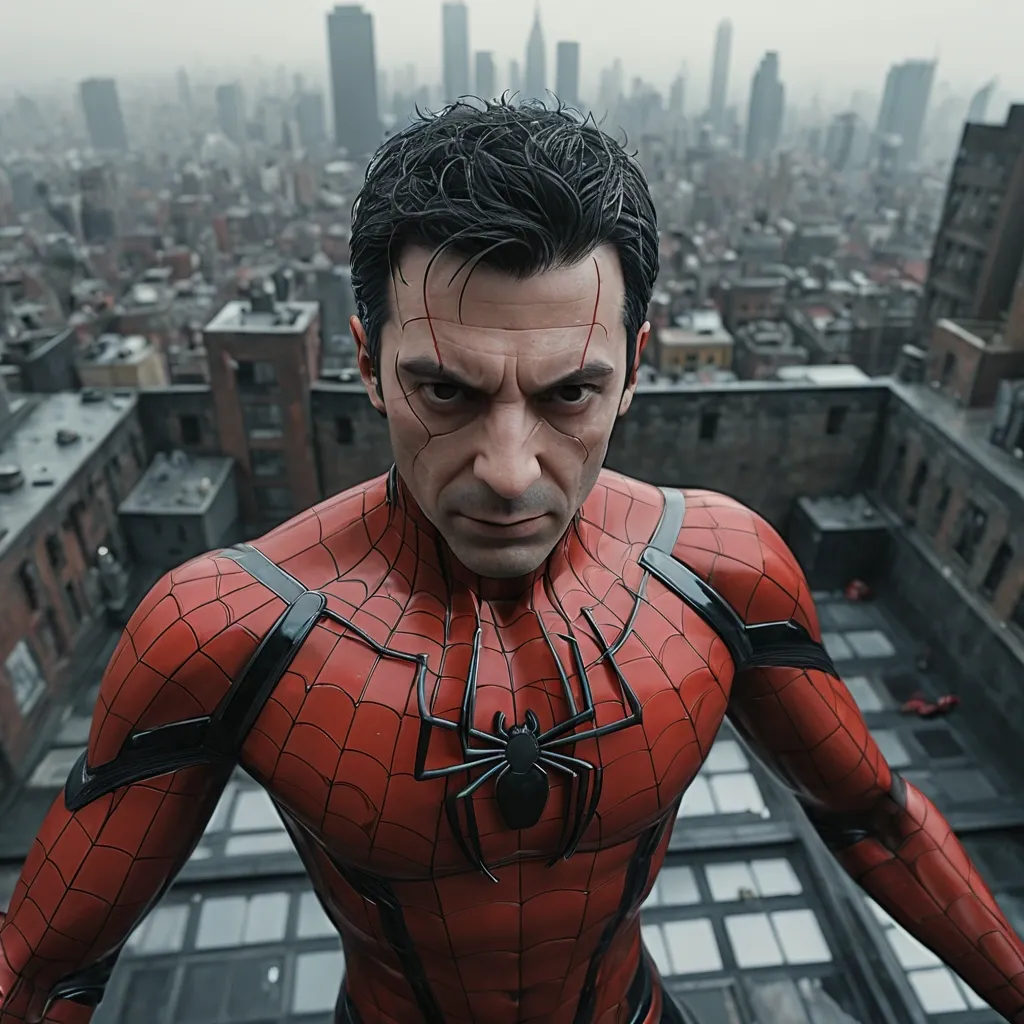
Extreme high angle shot , looking down at the subject , top-down perspective , hyper-realistic , mature male android (want 100% face match form uploaded image) , delicate dark hair , his head , neck , and upper torso consists of a complex system of red glass plates , visible glass gears , with spider-man suit , aesthetic dynamic pose , enjoying hot coffee cup , standing on an old city rooftop , hundreds of spiders hanging dramatically around his , dense urban skyline fading into a misty background , cinematic overcast sky , emotional and dreamlike atmosphere , realistic motion , subtle film grain , shallow depth of field , photorealistic , ultra-detailed , 4K. Ratio 4:5. ,
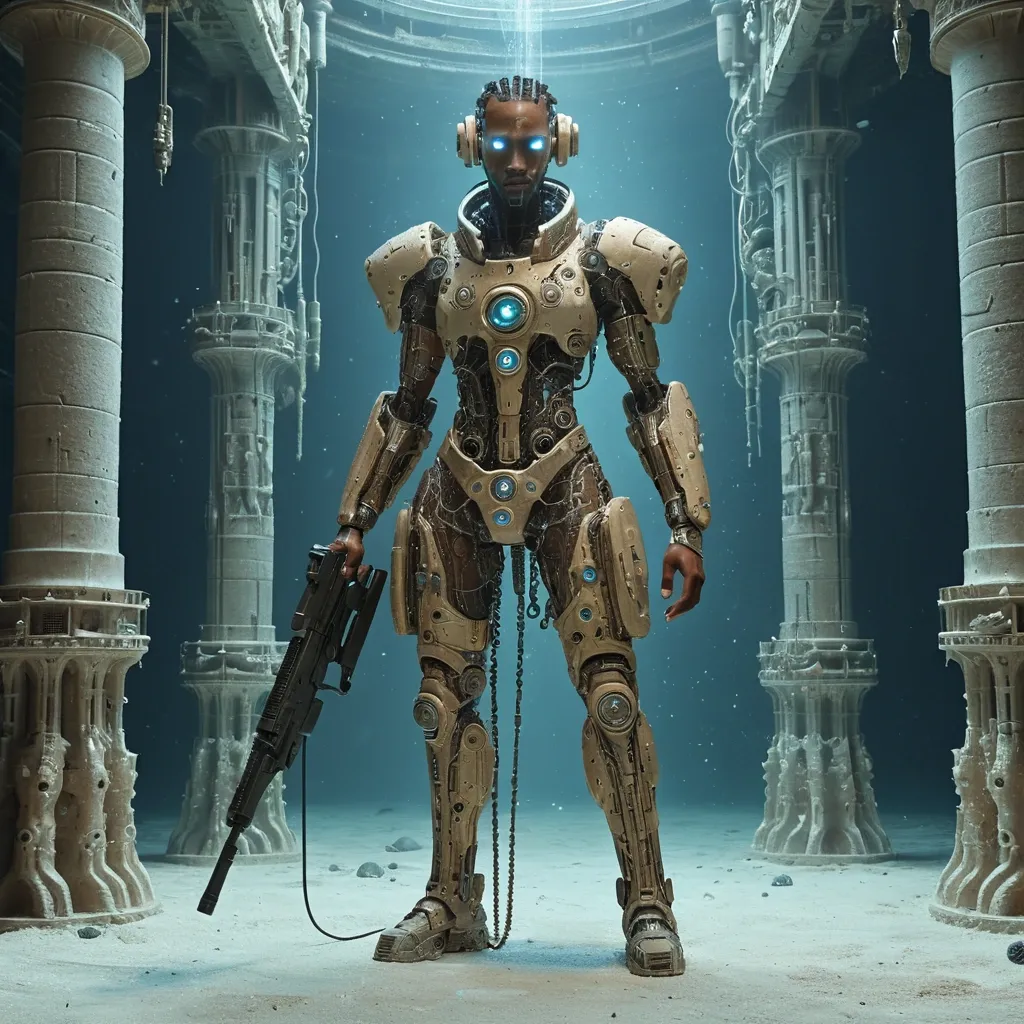
A full body of male android , head shaped like a seahorse-face. her human face features smooth light brown skin , holding cyberpunk heavy flatlining machine gun. the rest of his head , neck , and upper torso consists of a complex system of tiny , organically arranged circular ocean forms , seashell-like textures , and delicate dandelion-seed patterns , and mechanical elements. two thin metallic chains hang from the chin area. the background is a neutral , vast underwater nave carved from living salt columns catching a single shaft of daylight from a distant opening far above salt cathedral mineral light reverence realistic salt stone cloth and dust texture cinematic lighting strong central underwater nave highly detailed striking composition. Ratio 9:16. ,
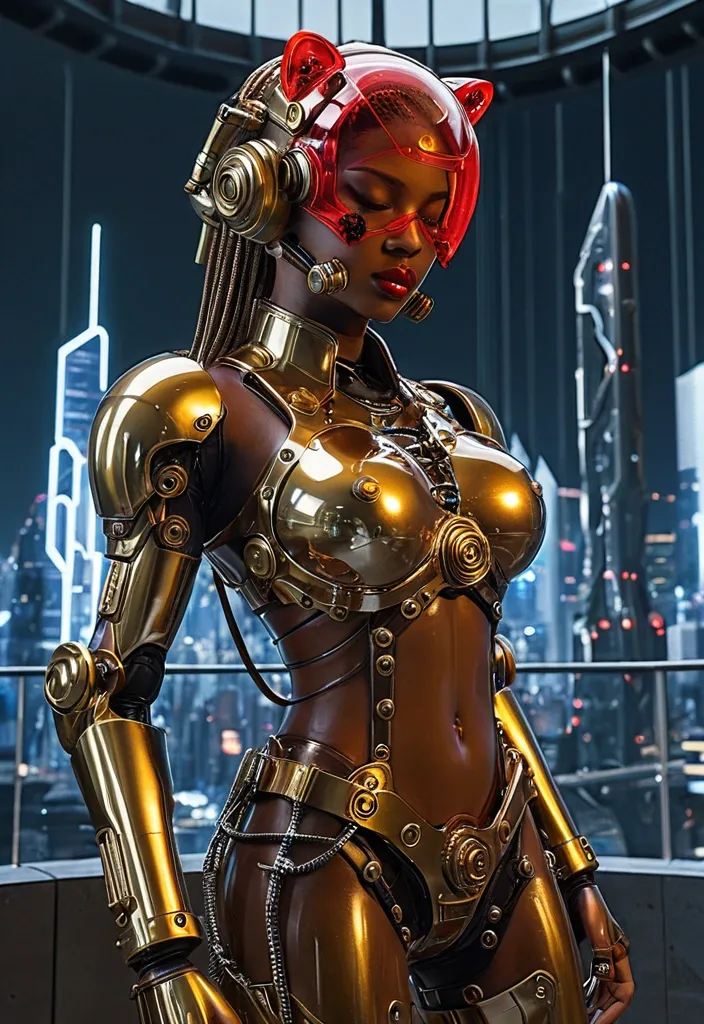
A full body of female android , head shaped like a tiger-face. her human face features smooth light brown skin , prominent red lips with a high shine finish , and closed eyes , holding cyberpunk heavy gatling machine gun. a curved , translucent red visor covers the upper part of her head. the rest of her head , neck , and upper torso consists of a complex system of polished chrome plates and chunky brown lace-up boots , visible golden gears , and mechanical elements. two thin metallic chains hang from the chin area. Behind the arena , a futuristic city skyline glows at maximum contrast , its neon outlines and reflective towers framing the scene. Focus on hyper‑detailed material properties (metallic sheen , glass refraction , foliage translucency). Intended audience: architecture lovers and sci‑fi gamers seeking immersive , high‑tech environments--v 7.0 --style raw --s 750 --ar 9:16 --weird 300 ,

A full body of female android , head shaped like a tiger-face. her human face features smooth light brown skin , prominent red lips with a high shine finish , and closed eyes , holding cyberpunk heavy gatling machine gun. a curved , translucent red visor covers the upper part of her head. the rest of her head , neck , and upper torso consists of a complex system of tiny , organically arranged circular botanical forms , pebble-like textures , and delicate dandelion-seed patterns , and mechanical elements. two thin metallic chains hang from the chin area. the background is a neutral , textured light gray wall. the image features sharp focus on the metallic details , with high contrast reflections and glossy textures. ratio 9:16. ,
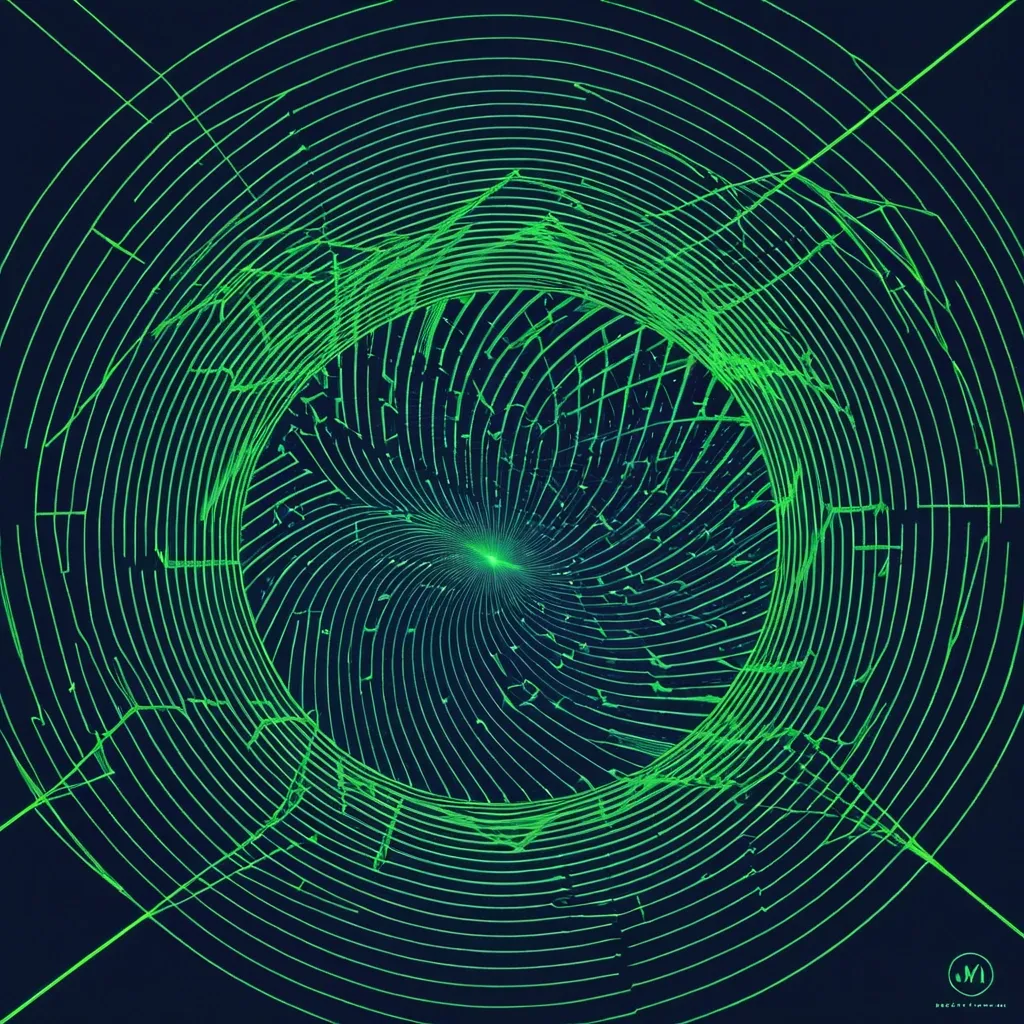
SUBJECT: Face × Finger print TITLE: VORTEX LINE FIELD: Diagonal BACKGROUND: Dark blue LINES: Fluorescent green TEXT: Mastram masti me FORMAT: 3:4 Create a refined experimental poster where face × Finger print emerges from the deformation of a precise geometric line field. Use one coherent spiral system across the entire image. Keep the geometry clean and regular away from the subject , then let the lines smoothly compress , expand , bend , and flow around its 3D volume. Do not outline the subject separately. Let anatomy and form appear mainly through deformation and negative space. For soft forms , use long fluid curves. For muscular or structural forms , use stronger controlled compression and directional tension without drawing individual muscles. Keep the subject at roughly 70–80% of the composition and add only 2–3 small typography blocks in quieter negative spaces. Prioritize line quality above everything else: extremely fine , sharp , continuous , evenly spaced , smooth , and geometrically coherent. Style: Op Art , generative graphic design , modern sculpture , experimental editorial poster , refined minimalism. Avoid broken or intersecting lines , warped circles , tangled spirals , messy radial centers , jagged curves , excessive realism , wireframe anatomy , sci-fi UI , logos , numbering , starbursts , and sparkles. ,
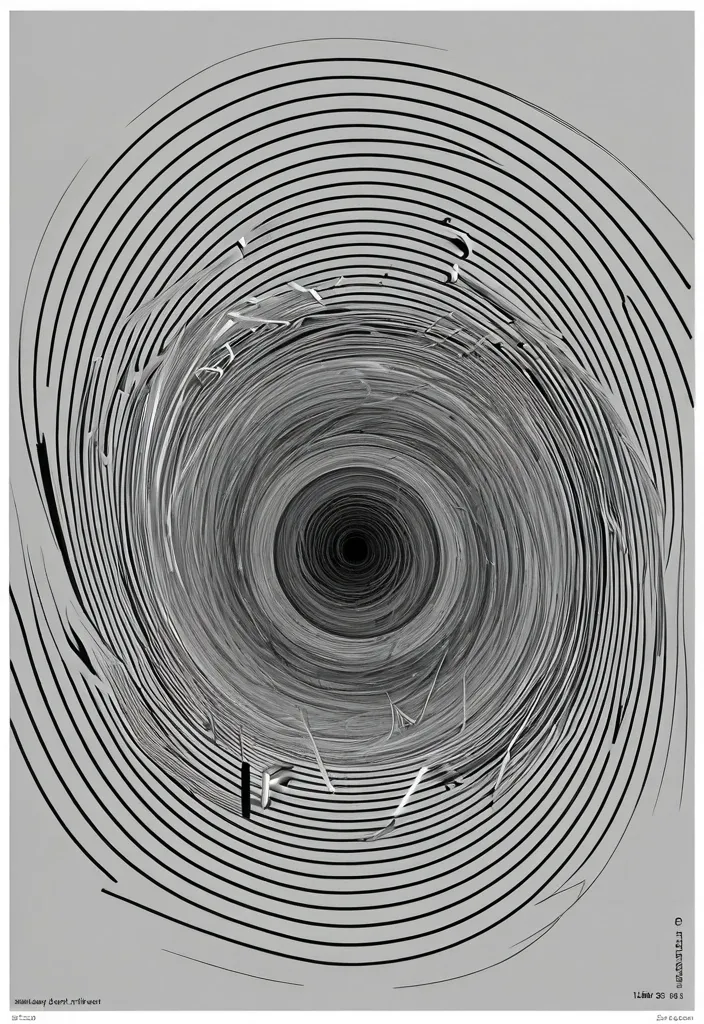
SUBJECT: face × concentric rings TITLE: Vortex LINE FIELD: spiral BACKGROUND: black LINES: light gray TEXT: Mastram masti me! FORMAT: 2:3 Create a refined experimental poster where face × concentric rings tension emerges from the deformation of a precise geometric line field. Use one coherent spiral system across the entire image. Keep the geometry clean and regular away from the subject , then let the lines smoothly compress , expand , bend , and flow around its 3D volume. Do not outline the subject separately. Let anatomy and form appear mainly through deformation and negative space. For soft forms , use long fluid curves. For muscular or structural forms , use stronger controlled compression and directional tension without drawing individual muscles. Keep the subject at roughly 70–80% of the composition and add only 2–3 small typography blocks in quieter negative spaces. Prioritize line quality above everything else: extremely fine , sharp , continuous , evenly spaced , smooth , and geometrically coherent. Style: Op Art , generative graphic design , modern sculpture , experimental editorial poster , refined minimalism. Avoid broken or intersecting lines , warped circles , tangled spirals , messy radial centers , jagged curves , excessive realism , wireframe anatomy , sci-fi UI , logos , numbering , starbursts , and sparkles. ,
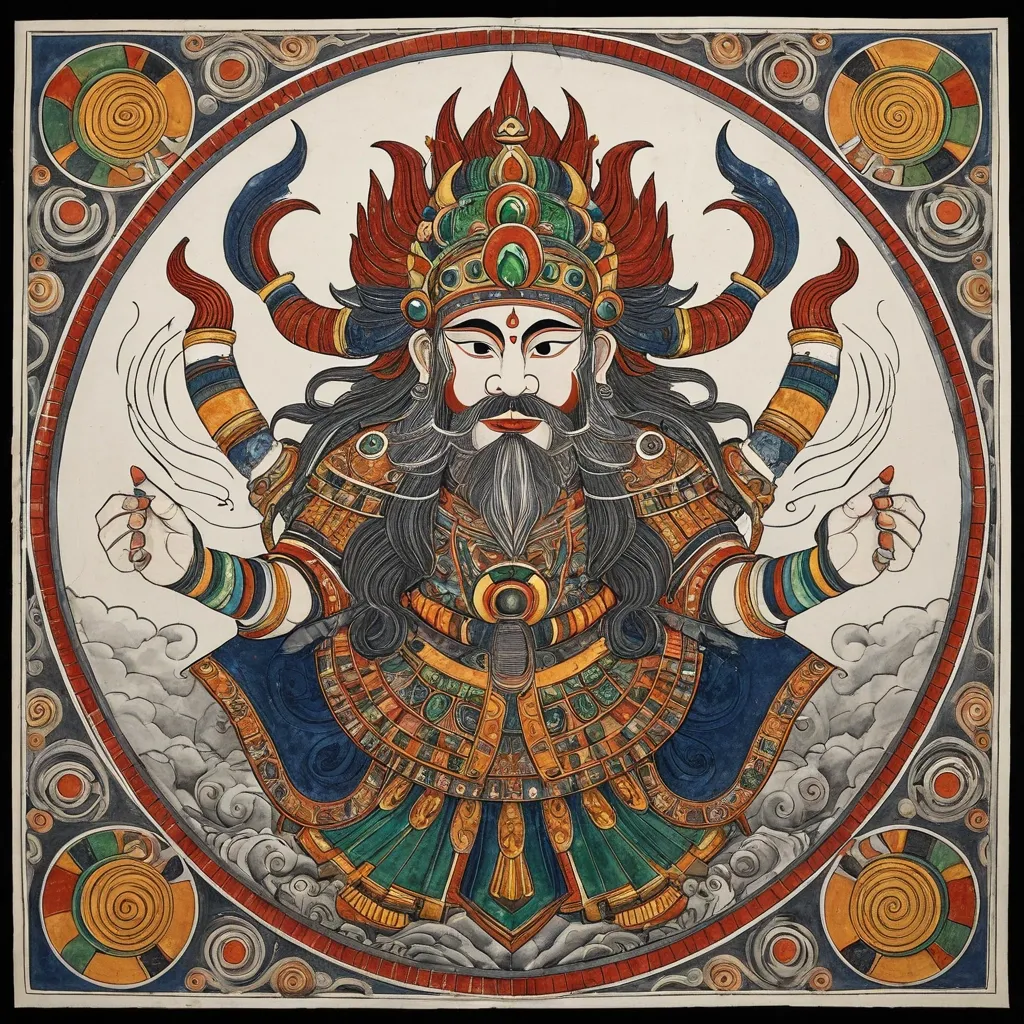
Generate an illustration of an Eastern deity in the style of Madhubani art sacred art , centering on the Zhong Kui and incorporating the Fire-Tipped Spear and Divine Beast to create a cohesive composition. Elements such as artifacts , wings , ghosts , ribbons , clouds , or divine manifestations must not serve merely as decoration; instead , they must collectively form clear structural patterns—such as diagonals , circles , S-curves , radial lines , or frontal subjugation poses—to imbue the image with a distinct sense of dynamic momentum (*shi*). The overall style should blend the aesthetics of traditional deity paintings , *Gongbi* heavy-color painting , *Baimiao* (fine-line drawing) , and ancient illustrated scrolls. The figure should appear solemn , divine , and imposing , avoiding the look of modern idols or game CG characters. Attire should follow traditional systems of divine robes , armor , and headdresses , incorporating continuous patterns such as cloud , thunder , scale , beast-face , meander (Greek key) , and scrolling vine motifs. Prioritize highly continuous Madhubani art line work: render hair , beards , and the fur or feathers of divine beasts with smooth , long lines that follow natural flow; depict clouds , garment hems , and ribbons using unbroken S-curves and C-curves; ensure that patterns on armor , crowns , and clothing are structurally complete and continuously closed. Minimize fragmented textures; avoid random short strokes , dense broken lines , jagged hair edges , or noise-like etching patterns. The color palette employs uniform , rich , and continuous traditional heavy mineral pigments. Centered around a core tone , it incorporates azurite blue , malachite green , ink-blue , antique gold , copper gold , cinnabar , ochre red , and ivory white. While low in saturation , the colors maintain high pigment density and transition naturally and smoothly along the forms; the finish should be free of mottling , fading , stains , graininess , or artificial distressing. The background features clean , warm-toned ivory *xuan* paper with extensive negative space , accented only by minimal continuous-line cloud motifs , vertical inscriptions , and cinnabar seals. The composition balances high information density in the subject matter with low density in the background. The overall aesthetic conveys the refined , fluid , cohesive , and professional quality of traditional Madhubani art painting with heavy mineral pigments on paper. Avoid: broken or fragmented lines , micro-fragmented textures , frizzy hair details , shattered cloud patterns , mottled coloring , faded or distressed effects , modern neon , 3D CG , screen-filling special effects , cluttered backgrounds , and large , modern poster-style headlines. ,
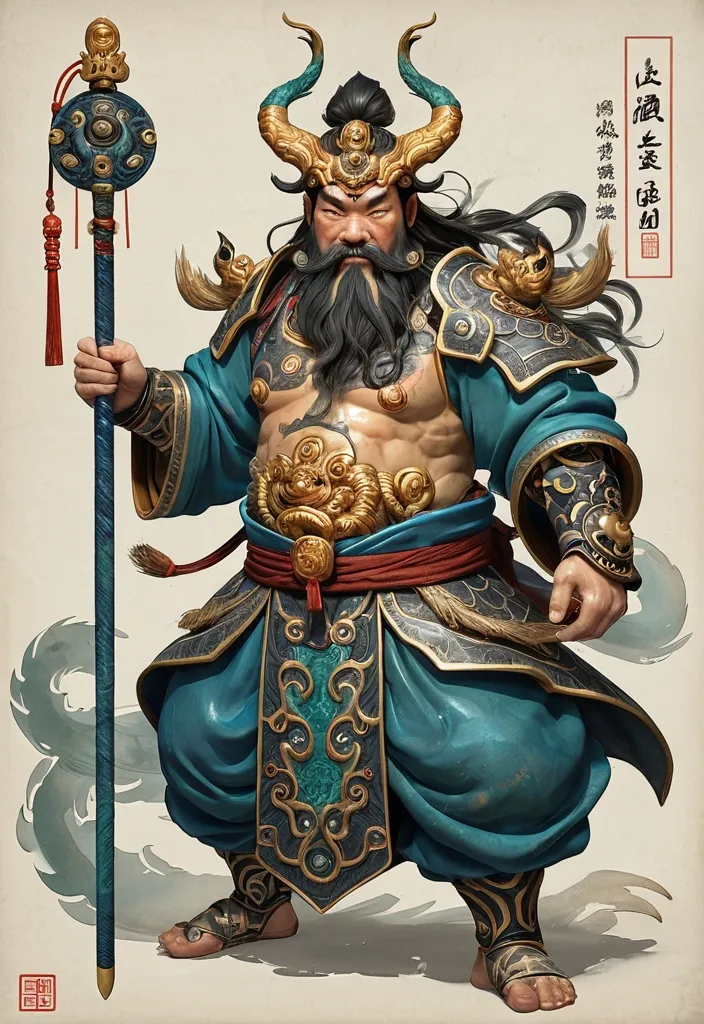
Deity Identity: Zhong Kui Core Artifact: Fire-Tipped Spear Divine Beast: Three-Eyed Manifestation Color Palette: Azurite & Antique Gold Composition Style: Spiraling Leap Overall Aura: Grotesque Aspect Ratio: [5:8] Generate an illustration of an Eastern deity in the style of *Gongbi* (meticulous brushwork) sacred art , centering on the Zhong Kui and incorporating the Fire-Tipped Spear and Divine Beast to create a cohesive composition. Elements such as artifacts , wings , ghosts , ribbons , clouds , or divine manifestations must not serve merely as decoration; instead , they must collectively form clear structural patterns—such as diagonals , circles , S-curves , radial lines , or frontal subjugation poses—to imbue the image with a distinct sense of dynamic momentum (*shi*). The overall style should blend the aesthetics of traditional deity paintings , *Gongbi* heavy-color painting , *Baimiao* (fine-line drawing) , and ancient illustrated scrolls. The figure should appear solemn , divine , and imposing , avoiding the look of modern idols or game CG characters. Attire should follow traditional systems of divine robes , armor , and headdresses , incorporating continuous patterns such as cloud , thunder , scale , beast-face , meander (Greek key) , and scrolling vine motifs. Prioritize highly continuous *Gongbi* line work: render hair , beards , and the fur or feathers of divine beasts with smooth , long lines that follow natural flow; depict clouds , garment hems , and ribbons using unbroken S-curves and C-curves; ensure that patterns on armor , crowns , and clothing are structurally complete and continuously closed. Minimize fragmented textures; avoid random short strokes , dense broken lines , jagged hair edges , or noise-like etching patterns. The color palette employs uniform , rich , and continuous traditional heavy mineral pigments. Centered around a core tone , it incorporates azurite blue , malachite green , ink-blue , antique gold , copper gold , cinnabar , ochre red , and ivory white. While low in saturation , the colors maintain high pigment density and transition naturally and smoothly along the forms; the finish should be free of mottling , fading , stains , graininess , or artificial distressing. The background features clean , warm-toned ivory *xuan* paper with extensive negative space , accented only by minimal continuous-line cloud motifs , vertical inscriptions , and cinnabar seals. The composition balances high information density in the subject matter with low density in the background. The overall aesthetic conveys the refined , fluid , cohesive , and professional quality of traditional *gongbi* (meticulous brushwork) painting with heavy mineral pigments on paper. Avoid: broken or fragmented lines , micro-fragmented textures , frizzy hair details , shattered cloud patterns , mottled coloring , faded or distressed effects , modern neon , 3D CG , screen-filling special effects , cluttered backgrounds , and large , modern poster-style headlines. ,
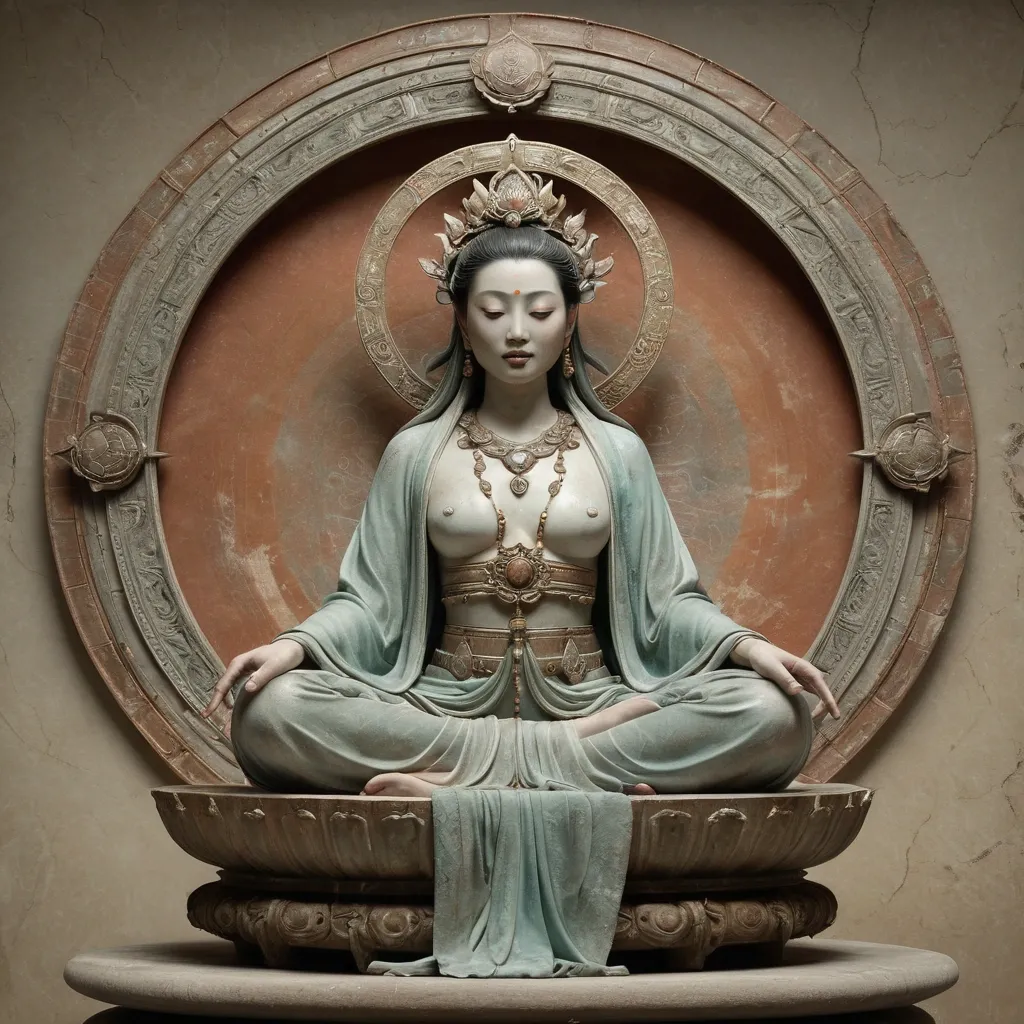
Create an ultra-premium East Asian sacred art poster that merges Orbit-style symbolic monumentality with Transit-style museum-grade elegance , while adding an appropriate faded watercolor-like antique patina across the entire image. Show one serene celestial goddess seated front-facing on a large layered lotus throne rising from dark weathered rocks above shallow swirling water , centered in a tall vertical frame. Behind her head , place one large circular ornamental halo-disc filled with intricate floral and sacred relief patterns , perfectly framing her upper body like a ceremonial mandala. The final artwork must feel sacred , elegant , antique , softly aged , painterly , and collectible , like a rare devotional mural-painting artifact. No title , no logo , no readable text , no real person identity. Core composition: Use a strict centered vertical composition with the goddess occupying the full central axis from halo to lotus base. Her seated body must feel calm , monumental , and balanced. One leg lowers naturally toward the rock base while the other rests higher in a graceful asymmetrical pose. The lotus throne and rock base must anchor the composition with strong sacred weight. The circular halo-disc behind her should be large , full , and nearly iconic in scale , creating a powerful devotional silhouette. Orbit enhancement: Increase the monumentality of the sacred icon structure. The halo-disc should feel larger and more complete behind the figure , almost pressing the full spiritual force of the image forward. The lotus throne and rock base should feel more substantial and sculptural , giving the figure stronger divine presence. The whole composition should read immediately as a powerful three-part symbol: centered goddess , circular halo , lotus-rock throne. Transit enhancement: Refine the image into a more international museum-art language. The palette should feel quieter , more mineral , more elegant , and more globally collectible. Reduce any overly warm or decorative saturation. Keep the lighting restrained , the materials sophisticated , and the overall impression like a high-end exhibition poster for an ancient sacred masterpiece. Aged light-color patina: This is the key addition. Apply an appropriate light faded antique wash across the entire image , as if the artwork has lived on silk , fresco plaster , or mineral paper for centuries. The patina should be subtle and beautiful: soft desaturation , slight powdery pigment bloom , gentle worn edges , faint watercolor-like tonal diffusion , and delicate aged surface calm. It must not look dirty or damaged. The result should feel like elegant time-softened color , not decay. Figure design: Design an original adult divine feminine figure inspired by classical East Asian sacred sculpture and devotional painting. She must feel compassionate , serene , and spiritually elevated. Her face should be delicate and calm , with lowered eyes , soft brows , subtle lips , and a peaceful meditative expression. Her anatomy must be elegant and natural , with correct shoulders , arms , hands , torso , and posture. She wears layered flowing robes with long trailing sashes and softly revealed upper chest in a sacred historical-art way , always dignified and ceremonial. Costume and ornament: Dress her in layered mineral-toned robes of celadon gray-green , faded terracotta , dusty coral , pale parchment , and aged ivory. Add refined antique jewelry , pendant chains , earrings , and a balanced floral-jewel headpiece. The fabrics and ornaments must feel softened by time , as if painted with diluted pigments over an aged surface. Halo-disc design: Render the halo as a richly ornamented circular disc with dense floral and sacred scroll relief in muted reddish-brown , aged copper , faded russet , and antique mineral tones. It should feel historical , intricately crafted , and devotional , with slightly softened edges from age. Lotus and base: Render the lotus throne as layered and sculptural with desaturated blue-green , gray-teal , and stone-lotus tones. The rock base beneath should feel dark , mineral , and weathered. Add shallow sacred water with gentle pale foam and flowing pattern logic. Everything below the figure must support stillness and icon gravity. Lighting: Use soft diffused sacred lighting from upper front-left with very gentle frontal fill. The figure , halo , lotus , and drapery should glow softly through muted tonal transitions. No harsh drama. The light must feel calm , spiritual , and respectful to the antique surface quality. Material rendering: Render skin like painted sacred sculpture with matte softness and delicate age integration. Render robes as faded silk-like mineral pigment drapery. Render jewelry with restrained antique-metal detail. Render halo and lotus with painted-relief texture and worn ceremonial richness. Render the full surface with subtle fresco grain , paper tooth , faint crackle , and collector-grade patina. Background: Keep the background pale , atmospheric , and minimal , built from parchment beige , faded mineral wash , cloudy plaster texture , and faint devotional atmosphere. No clutter , no crowded architecture , no unrelated objects. Color system: Use a restrained sacred palette of celadon gray-green , dusty terracotta , faded coral , aged ivory , parchment beige , muted russet , stone gray , desaturated blue-green , and dark mineral accents. The entire image should feel softened by time and unified by elegant antique color restraint. Image finish: The final artwork must feel like a world-class sacred art poster: serene , monumental , collectible , and gently time-worn. Preserve strong detail in the face , crown , halo ornament , robe folds , lotus petals , and rock textures , while bathing the whole piece in a refined aged light-color patina. 8k , museum-grade sacred visual quality. ,
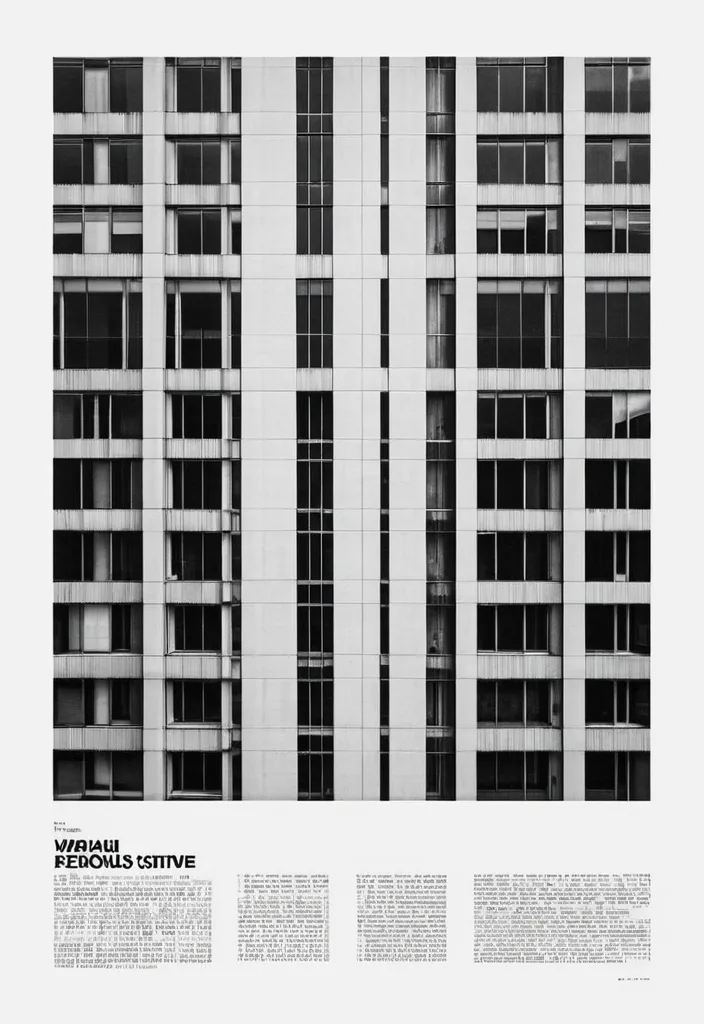
Transform the uploaded image into a premium brutalist editorial magazine poster. The entire poster should first be converted into high-contrast black-and-white. Apply: a monochrome newspaper print aesthetic a gritty editorial grain a matte paper texture a photocopy texture a magazine print imperfections a rough print noise a halftone grain a subtle paper fibers a archive print quality a high ISO film grain The black-and-white treatment should dominate approximately 75-85% of the composition. COLOR REVEAL SYSTEM Create multiple rectangular crop windows across the layout. Inside these crop windows preserve the original image colors. Only these selected fragments should remain in color. The rest of the poster remains black-and-white. Use: a vertical crop strips a horizontal crop strips a offset rectangles a overlapping image fragments a editorial cutout windows Color windows should reveal important details such as: eyes , hands , clothing details , objects , accessories , key focal points. TYPOGRAPHY Massive oversized condensed sans-serif typography. Typography should be large enough to be cropped by the canvas edges. Magazine-cover style hierarchy. Brutalist editorial design. Swiss-inspired layout. Add: a huge headline a section labels a issue numbers a micro typography a coordinates a technical annotations a small captions a editorial metadata LAYOUT Structured grid system. Intentional asymmetry. Layered rectangles. Editorial composition. Luxury magazine design. Poster design. Creative agency portfolio aesthetic. TEXTURE Heavy print grain. Visible paper texture. Magazine stock texture. Photocopied poster feel. Slight ink spread. Physical print imperfections. Scanned publication appearance. Most imp - 85% black-and-white editorial print , 15% selective color reveal windows. MOOD High-end editorial. Fashion campaign. Art-direction showcase. Creative magazine cover. Brutalist design poster. IMPORTANT The monochrome treatment must dominate the poster. The color fragments should feel like windows cut into a black-and-white print. Do not create a fully colored poster. Do not create random collage effects. The result should resemble a premium editorial publication where selective color slices reveal the original photograph beneath a gritty black-and-white printed surface ,
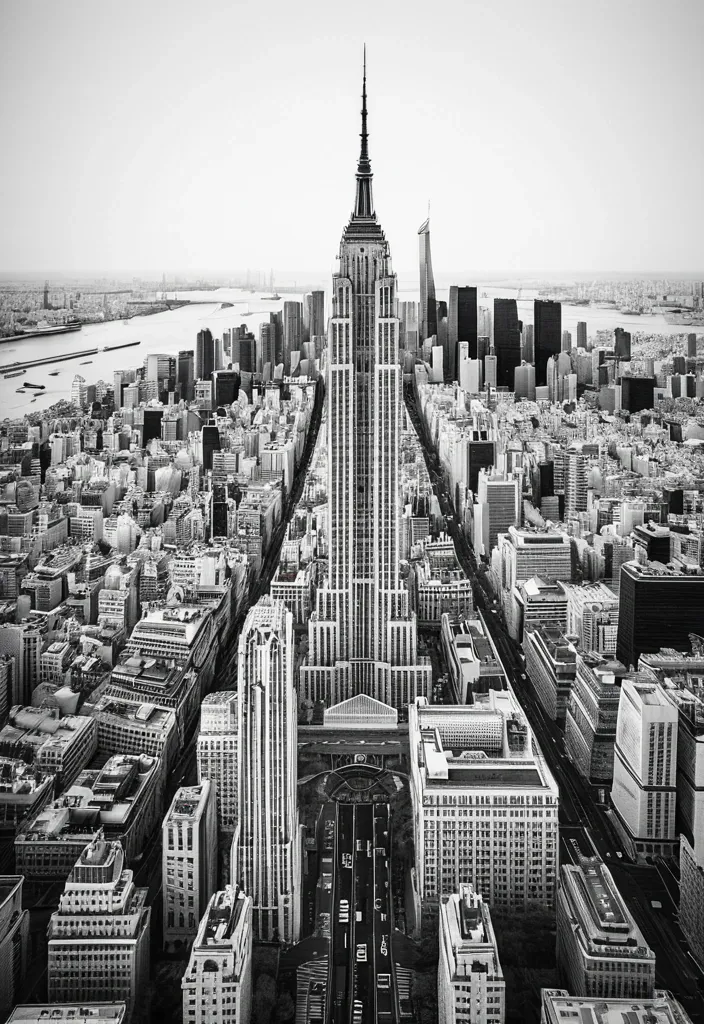
CITY: [TOKYO / NEW YORK / PARIS / DUBAI / YOUR CITY] MAIN LANDMARK: [most iconic landmark] OTHER LANDMARKS: [4–5 recognizable landmarks] TYPE COLOR: [accent color] FOREGROUND DETAIL: [cherry blossoms / taxi / leaves / palm leaves] COUNTRY: [country name] Create a 9:16 vertical city poster using iconic landmarks from the same city. Treat each landmark as an independent architectural collage element rather than a realistic street scene. Place the landmarks around the edges of the frame using an extreme worm’s-eye perspective , with their forms rising and converging toward the center of the sky. Use the MAIN LANDMARK as the central vertical anchor. Keep it the most complete and recognizable structure in the composition. Arrange the other landmarks from the upper-left , upper-right , lower-left and lower-right edges. Make them large near the frame edges and gradually narrower toward the center , creating a strong radial , upward-moving composition. Do not follow real geographic positions. The goal is to reconstruct the visual identity of the city through its landmarks. Behind the architecture , place the city name in huge ultra-tall condensed sans-serif typography. The letters should occupy around 45–60% of the image , partially hidden behind the landmarks while remaining clearly readable. Keep the city-name typography clean , solid and sharp. No distressed texture , cracks or worn lettering. Use a limited three-color system: warm off-white paper background , charcoal / grayscale architecture , one strong accent color for the city name. Render the landmarks with realistic architectural photography , then add subtle vintage editorial print texture , fine grain , halftone and paper texture. Add a small blurred foreground detail connected to the city , occupying only around 5–10% of the lower edge , to create depth and local atmosphere. Core visual formula: iconic landmarks + extreme low-angle perspective + radial convergence + giant city typography + limited colors + subtle foreground depth. ,
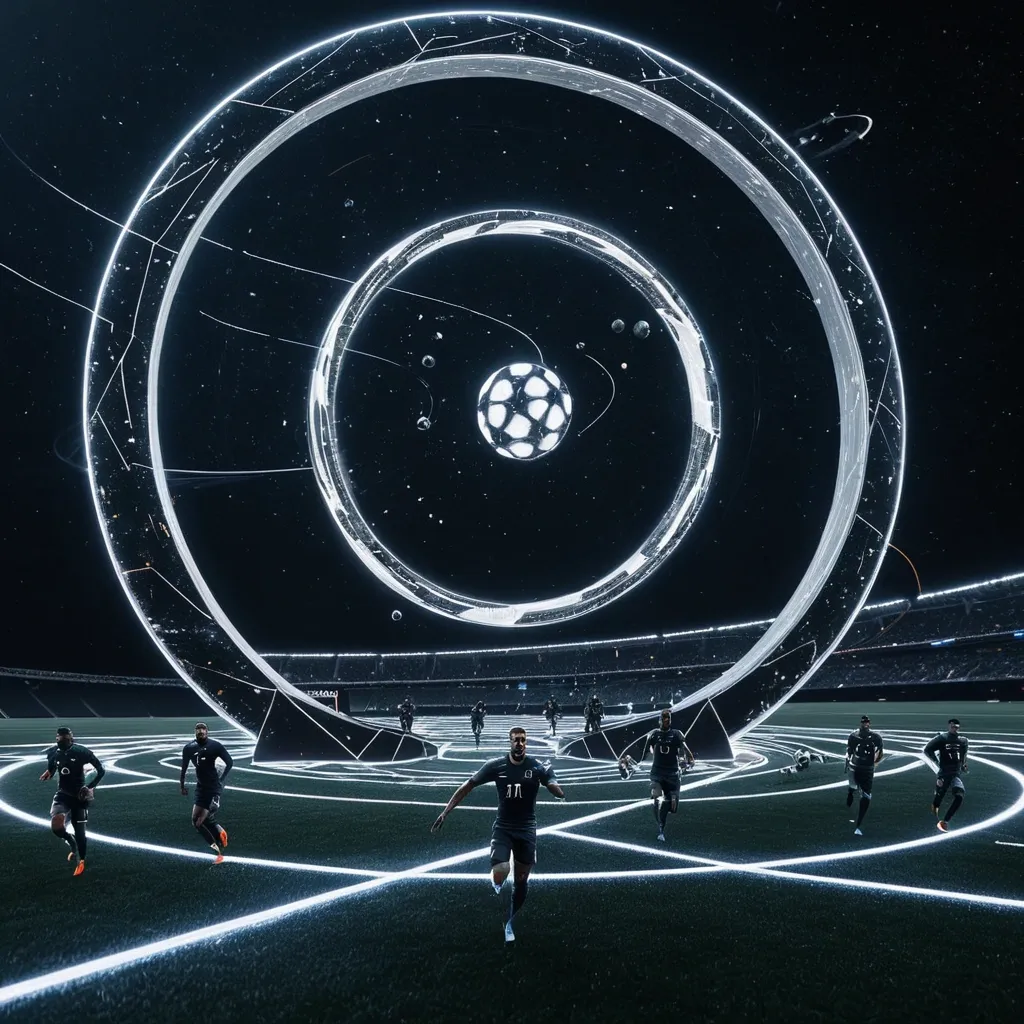
A surreal 3D rendering of a tiny football's players running fast on Saturn's ring. Floats a massive planet shaped exactly 70% like the official Trionda FIFA 2026 World Cup football moving in slow-speed , featuring its distinct modern geometric panel pattern in FIFA 2026 style against the dark void , with stars blinking filling the upper sky. The planet has a subtle Saturn-like ring system made of stardust moving speedy. Cinematic lighting , photo-realistic texture , aspect ratio 5:4. ,
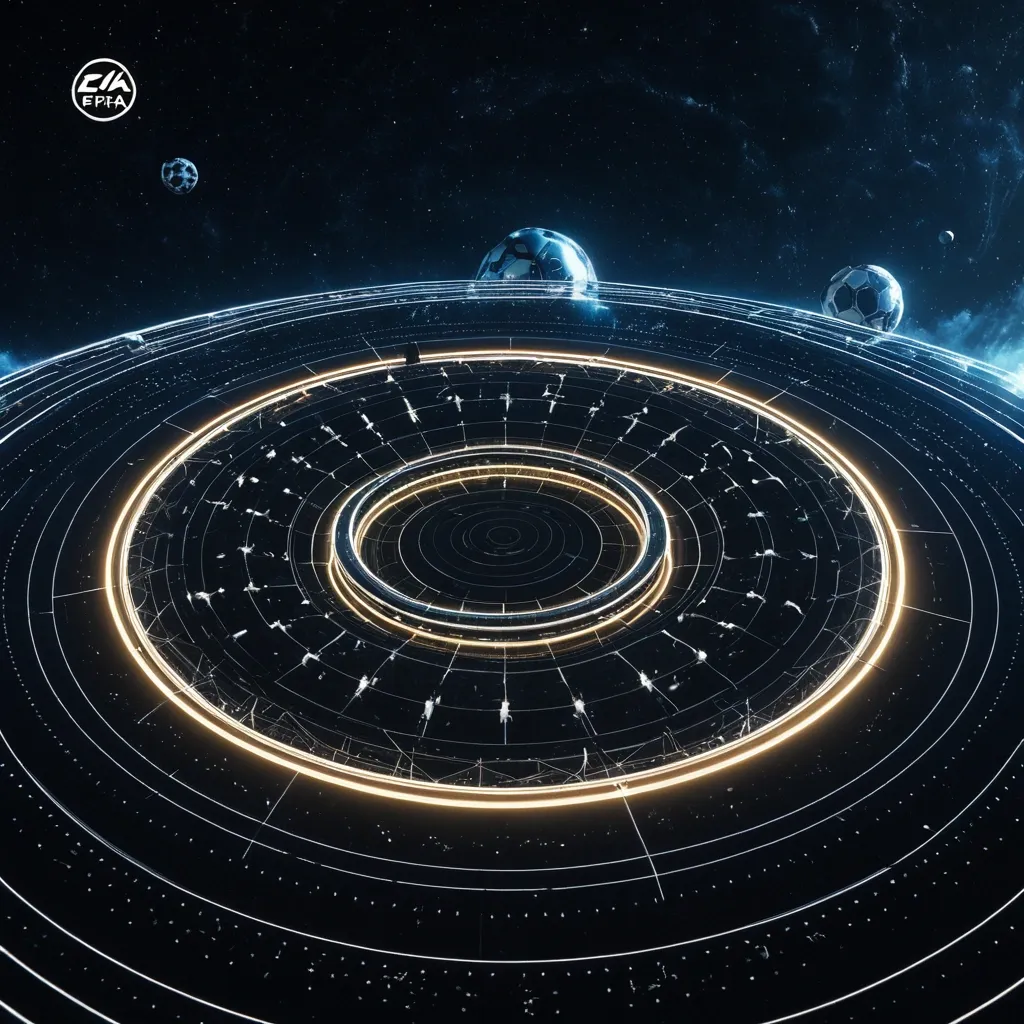
A surreal 3D rendering of a tiny football's players running fast on Saturn's ring. Floats a massive planet shaped exactly 70% like the official Trionda FIFA 2026 World Cup football moving in slow-speed , featuring its distinct modern geometric panel pattern in FIFA 2026 style against the dark void , with stars blinking filling the upper sky. The planet has a subtle Saturn-like ring system made of stardust moving speedy. Cinematic lighting , photo-realistic texture , aspect ratio 16:9. ,

A surreal 3D rendering of a tiny footballer running on Saturn's ring. Floats a massive planet shaped exactly 70% like the official Trionda FIFA 2026 World Cup football , featuring its distinct modern geometric panel pattern in FIFA 2026 style against the dark void , with stars filling the upper sky. Creating an otherworldly and serene atmosphere. The planet has a subtle Saturn-like ring system made of stardust. Cinematic lighting , photo-realistic texture. 6:4 aspect ratio. ,
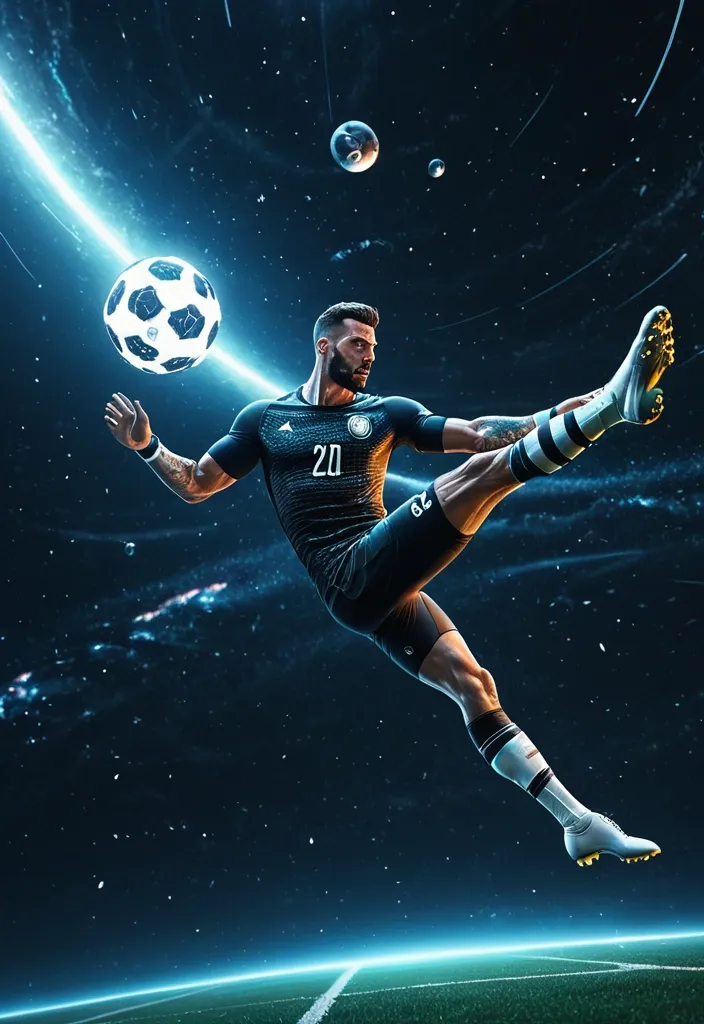
A surreal 3D rendering of a tiny footballer floating in endless deep space , performing a helicopter style kick while holding a dim flashlight. Below him floats a massive planet shaped exactly like the official FIFA 2026 World Cup football , featuring its distinct modern geometric panel pattern in Trionda FIFA 2026 style against the dark void. The planet has a subtle Saturn-like ring system made of stardust. Cinematic lighting , photo-realistic texture , aspect ratio 2:3. ,
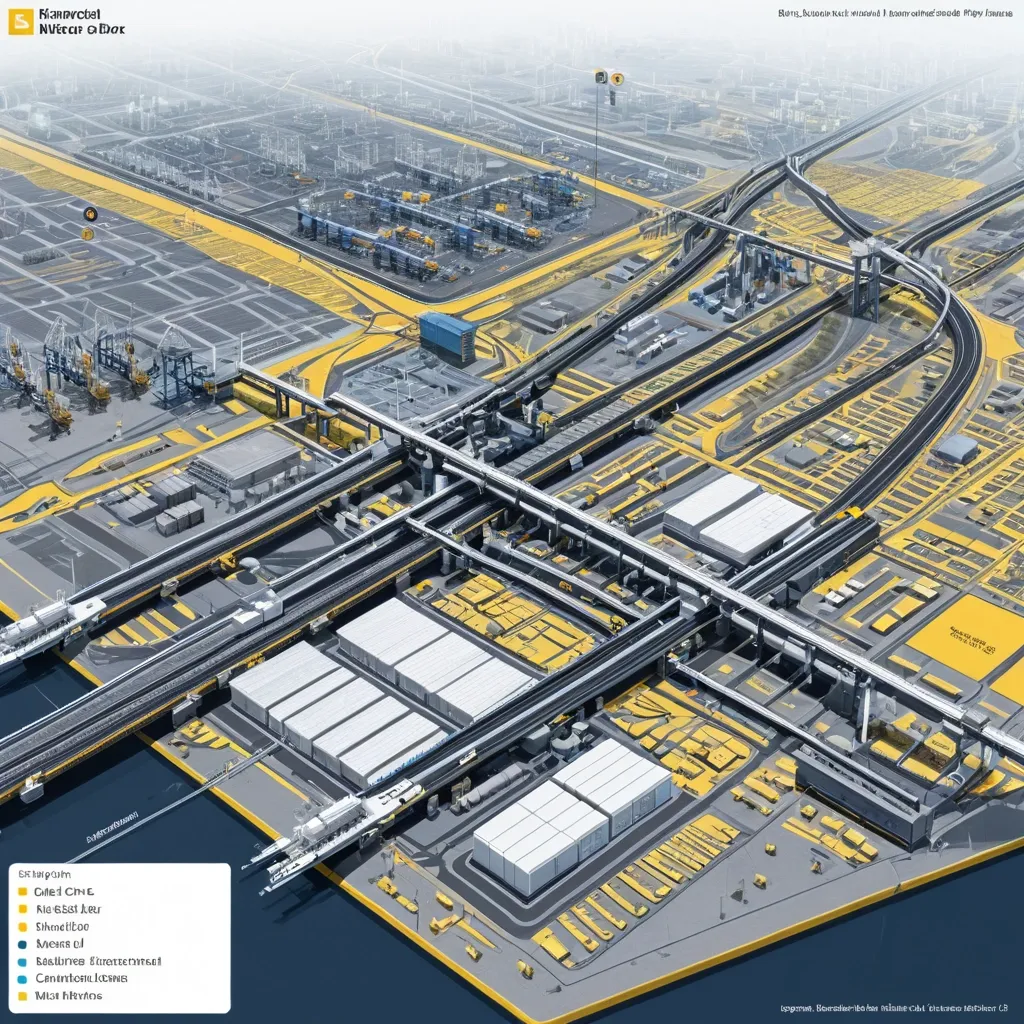
Generate a single complete image of Illustration Profile Long Scroll , one full image , no tiling , no multi-grid , no columns , horizontal 3:1 format. Theme: Port Logistics System. Title: Deendayal Port. Core Content: Dry Cargo Berths , Liquid Terminals , Container Terminals. Supply Chain & Hinterland Connectivity: Railway lines connect , Seamless connectivity to National Highways , Backed by Container Freight Stations. Information Modules: [Limit to 6–8] Style: Illustrated Knowledge Visualization with Text and Images. Color Scheme: yellow , blue , gray-white. The visual focus is to clearly explain the surface , internal structure , functional zoning , and operational process of complex systems all at once. Images primary , text secondary. Use only short labels , module names , function words , and one extremely brief description—no long paragraphs , no dense text blocks. Optionally add a small number of labels , arrows , flow lines , thin annotation lines , and a legend bar to help viewers understand how the system operates. Overall , like a museum science long scroll , city system infographic , or advanced profile diagram from a PPT proposal. Avoid text overload , cluttered information , tiled feel , multi-grid , ordinary landscape images , low resolution. ,
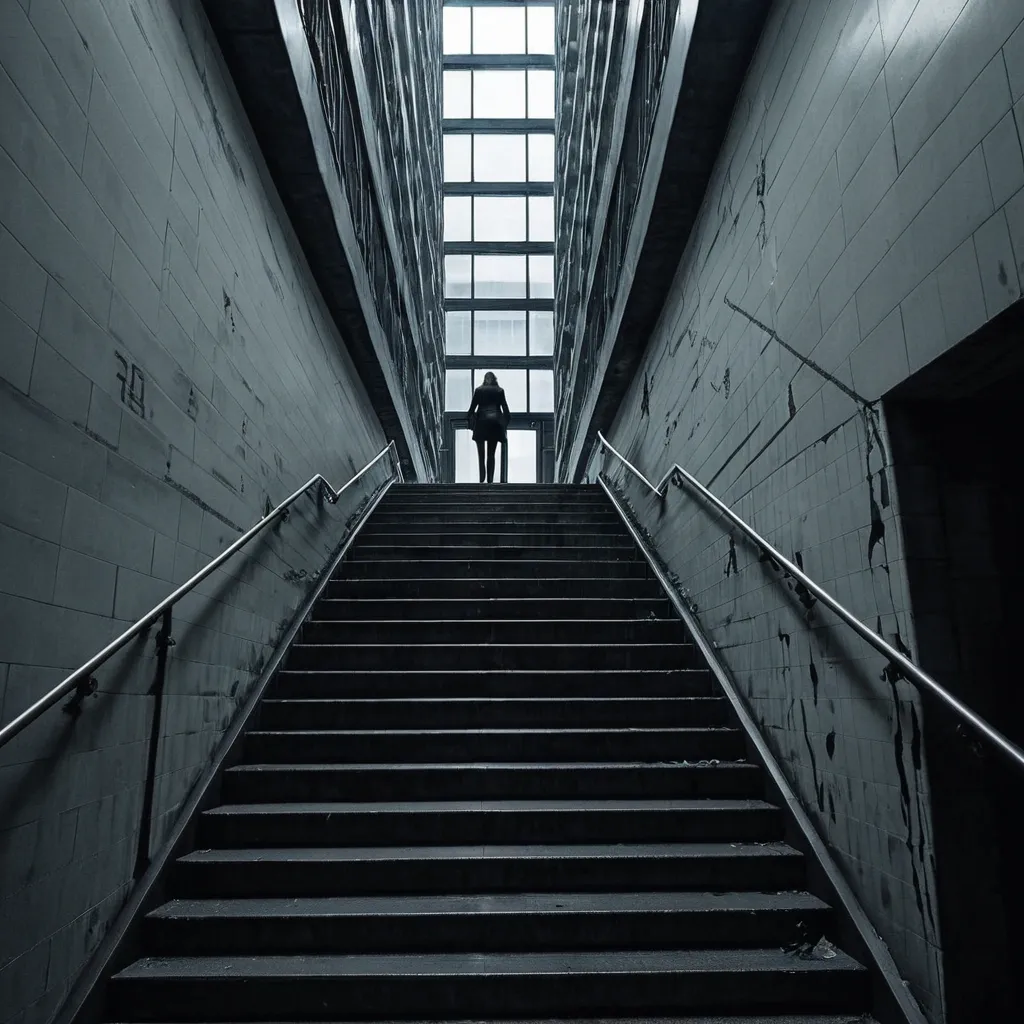
THE STAIRWELL WOMAN Type Urban Psychological Horror / Dimensional Predator Appearance Nobody knows her real appearance. That's because nobody sees all of her at once. People only see parts. A hand gripping a railing below them. A pair of bare feet on the floor above. A motionless face peeking through the gap between flights of stairs. A woman standing six floors down where she should be impossible to see. Security footage never captures her completely. Every camera records a different version. Some recordings show: A nurse. A teacher. An old woman. A teenage girl. One thing remains constant. She is always standing in a stairwell. Watching. Waiting. Personality The Stairwell Woman is patient. She does not hunt immediately. She chooses one person. Then follows them for weeks. Sometimes months. The victim starts noticing impossible things: Someone standing one floor below. Footsteps matching their own. A figure visible between railings. Each encounter becomes slightly closer. The victim eventually realizes: She is climbing. Powers 1. Peripheral Existence The Stairwell Woman cannot be directly perceived for long. The moment someone fully focuses on her: Their eyes slide away. Their attention drifts. Their memory becomes foggy. People know they saw something. But cannot describe it. 2. Floor Distortion She controls vertical spaces. Staircases become impossible. A victim may walk: Up ten flights and arrive in the basement. Down one floor and emerge on the roof. Enter a stairwell and find themselves somewhere else entirely. 3. Mimicked Footsteps Her footsteps perfectly synchronize with her target's. If the victim takes: One step → she takes one step. Runs → she runs. Stops → she stops. Eventually victims hear an extra step. Then another. Then another. Meaning she is getting closer. 4. Building Infection Any structure she inhabits slowly changes. Residents report: New doors appearing. Missing floors. Hallways becoming longer. Blueprints stop matching reality. 5. The Landing Every victim eventually discovers a floor that shouldn't exist. The number varies. Floor 13. Floor 27. Floor 112. Whatever appears impossible. When they reach it... She is waiting. Weaknesses Open Spaces She is strongest in enclosed vertical structures. Large open environments weaken her. Constant Observation Multiple people continuously observing the same staircase slows her manifestations. Demolition Destroying a heavily infected structure can force her to retreat. Though she usually relocates first. Ultimate Finisher Move "THE MISSING FLOOR" The victim enters a stairwell. The exit vanishes. Every door opens into another staircase. Every staircase leads to another floor. Days pass. Weeks pass. Food never runs out. Sleep never comes. The victim endlessly climbs. Eventually they see someone far below. Climbing. It's themselves. The realization breaks their mind. The Stairwell Woman then appears behind them. Neither are seen again. Evolution Trigger Condition She must consume the identities of 777 victims lost within impossible architecture. Evolved Form THE ARCHITECT OF DESCENT Appearance At this stage she is no longer tied to a single building. Entire city skylines become parts of her body. Apartment towers function as ribs. Elevator shafts become veins. Subway tunnels become nerves. Her true form exists beneath the city like a living organism made from architecture. Millions unknowingly live inside her. New Powers Impossible Geometry She can alter physical space itself. A room may become: Infinite. Smaller than its contents. Connected to another country. Population Blindness Entire crowds ignore impossible events occurring directly in front of them. Living Infrastructure Buildings become extensions of her nervous system. She can see through every window. Hear through every wall. Feel every footstep. Vertical Hunger The taller a structure is , the stronger she becomes. Skyscrapers act as giant feeding organs. Evolution Finisher "THE CITY THAT SWALLOWED ITSELF" Every stairwell , elevator , hallway , and tunnel in a city becomes connected. People attempt to leave. They always arrive somewhere else inside the city. Days later: Roads loop. Maps fail. GPS becomes useless. The entire city folds inward like a maze. Millions become trapped in an endless urban nightmare. At the center stands the Architect of Descent. Waiting. Threat Rank ☠️ Urban Catastrophe Entity The most terrifying part of the Stairwell Woman is that victims usually encounter her in ordinary places: Apartment buildings Schools Hospitals Hotels Parking garages And by the time they realize she is real... She is already climbing toward them. ,
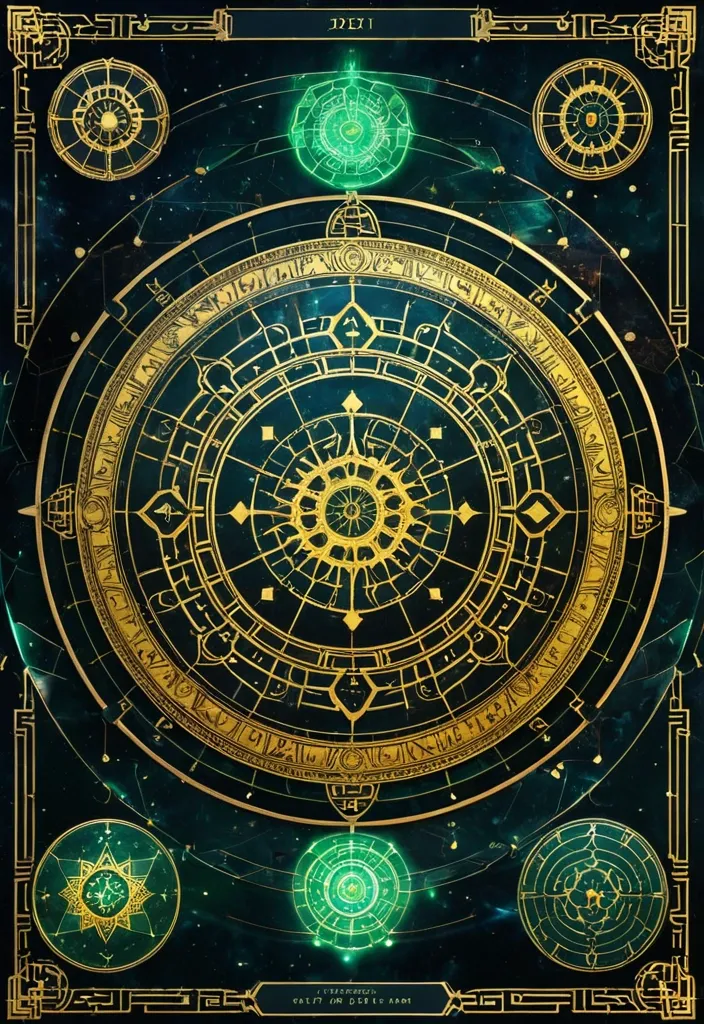
生成图片:主背景 墨宇宙黑:#05070C 深海墨蓝:#0B1A2A 夜雾青:#0E2A2F ✨ 核心能量色 命运金:#D6B35A 星轨白金:#E8E1C9 灵气青:#4FD6C8 🧱 UI结构色 玉石绿:#2E5E4E 古铜金:#8A6A3A 朱砂红(少量):#A43A3A 💡 光影规则 全局体积光(Volumetric Light) 金色粒子漂浮 星轨流动线 UI微发光边框 低对比高氛围 提示词: Chinese destiny analysis interface , "Fate Structure Revelation System" , giant rotating golden astrological mandala , combination of BaZi chart and ancient Chinese star map , jade holographic UI panels , five element energy flows (wood fire earth metal water) , deep cosmic ink background , ritual altar aesthetic with futuristic UI overlay , ultra detailed RPG interface design,16:9 ,
Design a premium A4-size professional book back cover for AIAT Technologies that perfectly matches the front cover design , color palette , typography , branding , spacing , visual hierarchy , and enterprise technology aesthetic. Portrait orientation (A4 vertical) , print-ready publishing quality , ultra-high resolution , modern cybersecurity and IT infrastructure theme. Use a clean deep navy-blue background with subtle geometric grid patterns , abstract network connections , digital circuitry , server infrastructure elements , cloud computing symbols , data streams , and elegant holographic technology accents. No humans , faces , characters , hackers , hooded figures , robots , or mascots. Create a sophisticated corporate technology appearance suitable for a professional educational publication. At the top include a section titled "About This Book". Below it place a professionally formatted book description area explaining that Windows CLI – 100 Important Commands is a practical reference guide covering essential Windows command-line tools for system administration , troubleshooting , networking , security operations , automation , diagnostics , and IT support. Include a clean feature highlights section with modern iconography containing: • 100 Essential Windows Commands • Practical Command Examples • Networking & Troubleshooting Tools • System Administration Techniques • Security & Diagnostic Utilities • Beginner to Advanced Learning Resource. Add a section titled "Who Should Read This Book?" listing: IT Professionals , System Administrators , Help Desk Engineers , Cybersecurity Analysts , Networking Students , Technology Enthusiasts , and Computer Science Learners. Include a professional AIAT Technologies company profile section with the heading "About AIAT Technologies" and a clean placeholder text area for company information. At the bottom reserve space for ISBN barcode placement , publisher information , website , email address , copyright details , and social media icons. Use premium white and cyan typography with strong readability and professional alignment. Maintain generous spacing , balanced composition , and publishing-standard formatting. The overall design must feel like a bestselling enterprise technology handbook from a leading technology training organization. Print-ready , ultra-detailed , corporate publishing quality , elegant modern layout , professional educational technology branding , 8K quality. Negative Prompt: no humans , no faces , no hooded figures , no hackers , no robots , no anime , no cartoons , no gaming appearance , no movie-poster style , no cluttered layout , no excessive neon effects , no blurry text , no distorted typography , no low resolution , no watermark , no stock-photo appearance , no horror elements , no fantasy elements. ,
# ГИПОТЕЗА 1 # «СВЕРНУТЬСЯ КЛУБОЧКОМ» ## Постер 1. Утро без спешки ### Идея Кафе как безопасное убежище от городского шума. ### Промпт Premium branding poster for a cozy art cafe called "Кюри". Warm morning atmosphere. Young woman sitting by a large window with a handmade ceramic mug , reading a book. Soft sunlight , creamy tones , warm shadows. Delicate illustrated cocoon-shaped graphic elements wrap around the person , creating a feeling of safety and comfort. Scandinavian editorial layout , lots of negative space , tactile paper texture , premium lifestyle photography. Color palette: cream , caramel , olive green , warm brown. Large elegant typography in Russian: "Свернись клубочком. Остальное подождёт." High-end branding presentation , Behance quality , art direction , poster design. --- ## Постер 2. Тёплая кружка ### Идея Фокус на ощущении тепла в руках. ### Промпт Luxury cafe branding poster. Close-up of hands holding a handmade ceramic mug with hot cocoa. Soft steam rising. Minimal background. Illustrated organic oval shapes and hand-drawn lines surrounding the mug. Warm creamy paper texture , natural light , slow living aesthetic. Premium editorial design. Color palette: oat milk , clay , olive , coffee brown. Large typography: "Завтрак без спешки". Modern Scandinavian cafe branding. High-end graphic design presentation. --- ## Постер 3. Гнездо ### Идея Кафе как место восстановления. ### Промпт Premium art cafe poster. Breakfast table with handmade ceramics , eggs , toast and cocoa. Around the composition are illustrated nest-like organic shapes , resembling blankets , pillows and soft cocoons. Cozy atmosphere , natural morning light , muted colors , tactile textures. Editorial magazine style. Sophisticated layout with generous white space. Russian typography: "Место для мягкого замедления". Branding concept presentation quality. --- # ГИПОТЕЗА 2 # «ТЁПЛЫЕ СЛЕДЫ РУК» --- ## Постер 4. Сделано руками ### Идея Тепло через ручной труд. ### Промпт Premium branding poster for handmade ceramic cafe. Large close-up photo of handmade ceramic mug with visible fingerprints and pottery texture. Around it abstract graphic elements inspired by fingerprints , clay marks and pottery wheel traces. Editorial composition. Warm terracotta , cobalt blue , cream and ochre palette. Paper texture , handcrafted feeling. Typography in Russian: "Сделано руками". Contemporary art cafe identity. Behance award-winning branding style. --- ## Постер 5. Следы присутствия ### Идея Человеческое тепло без буквальных объятий. ### Промпт Contemporary art cafe poster. Minimal photography of ceramic workshop table. Clay tools , glaze brush , unfinished ceramic cups. Abstract fingerprint patterns transformed into graphic shapes floating across the layout. Sophisticated editorial design , premium branding presentation. Warm cream background with cobalt and terracotta accents. Typography: "Здесь всё создано живыми людьми". Modern visual identity system. --- ## Постер 6. Наивная керамика ### Идея Соединение фотографии и иллюстрации. ### Промпт Creative branding poster for local art cafe. Real photograph of handmade ceramic teapot. Around it hand-drawn naive illustrations of mugs , eggs , spoons and abstract ceramic patterns. Mixed-media design combining photography and illustration. Warm handcrafted atmosphere. Premium layout with lots of breathing space. Colors: terracotta , cream , cobalt blue , mustard. Russian typography: "Керамика , завтраки и немного тепла". Contemporary cultural cafe identity. --- # ГИПОТЕЗА 3 # «ГОРОДСКОЙ РИТУАЛ» --- ## Постер 7. 09:17 ### Идея Кафе как часть ежедневного ритуала города. ### Промпт Bold contemporary cafe branding poster. Young people entering a colorful modern cafe. Large oversized numbers "09:17" dominate the composition. Bright dopamine design. Dynamic editorial layout. Graphic arrows , stickers , playful doodles and geometric elements. Inspired by modern coffee brands , trend-conscious visual identity. Colors: yellow , blue , red , green and cream. Typography in Russian: "Твой завтрак ждёт". High-end art direction. --- ## Постер 8. Сначала яйца ### Идея Ироничная молодёжная коммуникация. ### Промпт Dopamine branding poster for trendy breakfast cafe. Colorful breakfast photography. Oversized typography integrated into image composition. Playful hand-drawn graphic elements , smiley stickers , arrows , circles , dynamic composition. Bright contemporary visual identity. Colors: butter yellow , cobalt blue , tomato red , mint green. Russian headline: "Сначала яйца. Потом подвиги." Editorial campaign poster , award-winning branding. --- ## Постер 9. Новый городской ритуал ### Идея Кюри как место встречи творческого сообщества. ### Промпт Premium urban lifestyle branding poster. Bright contemporary interior with handmade ceramics , creative people , morning atmosphere. Large typography layered over photography. Graphic waves , symbols , abstract stickers and playful design elements. Modern Gen Z cafe branding. Dopamine aesthetics , contemporary editorial layout , premium presentation quality. Russian headline: "ГОРОДСКОЙ РИТУАЛ". Subheadline: "Завтрак каждый день". Behance featured branding project style. --- Для презентации BBE я бы разместила по каждой гипотезе: * 1 главный постер (из этих трёх); * 1 адаптацию в Instagram 1080×1350; * 1 носитель (кружка , стакан , упаковка или меню); * короткое описание идеи на 2–3 предложения. Так наставница увидит уже не набор референсов , а три полноценные системы айдентики. ,